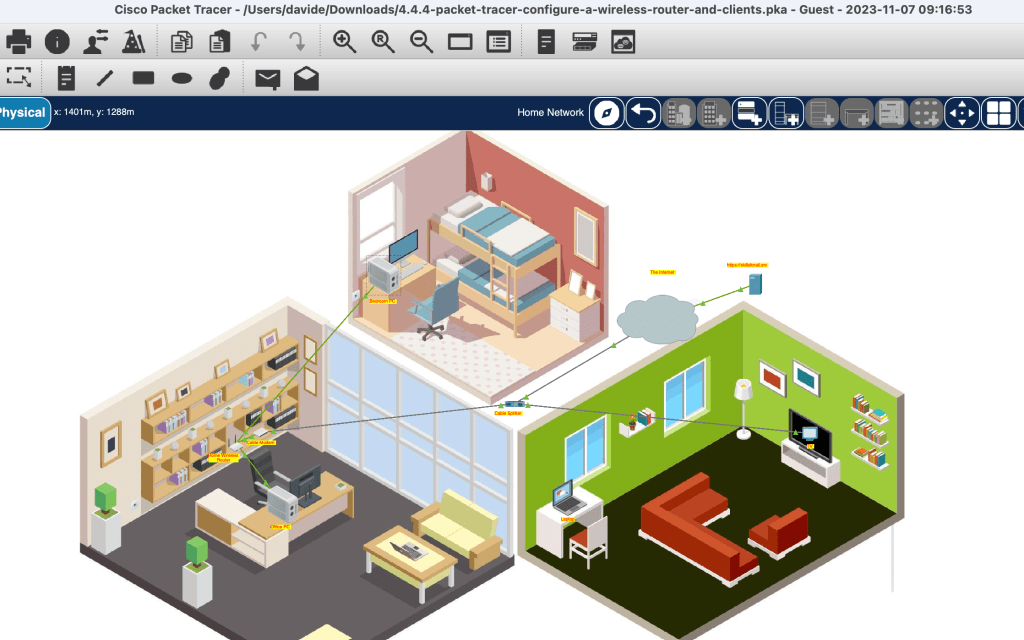
Continuing the instruction within Cisco’s Networking Academy, this morning I worked on setting up a situational home network- using virtual coaxial cables to connect the home router with the cable splitter, which in turn was also connected to the smart tv. From the home router, which included a switch with four ethernet ports and a built-in wireless router, I ran cable to two PCs, enabled DHCS for IP addresses, and also enabled the wireless router and configured it to limit the number of clients, to increase security protections, and more. This last piece then allowed me to connect the two laptops wirelessly. At the end of the exercise, the wireless router connected two laptops to the internet, while the built-in switch connected two PCs with ethernet cabling to the internet. The intermediary devices, the cable modem and the wireless router, were key pieces for connection to the ISP.
 davethemaker