I’ve been reading through ‘Linux Basics For Hackers’ and have found it a good introductory text for understanding the Linux ecosystem.

Here are some of the core things around Python modules and installation:
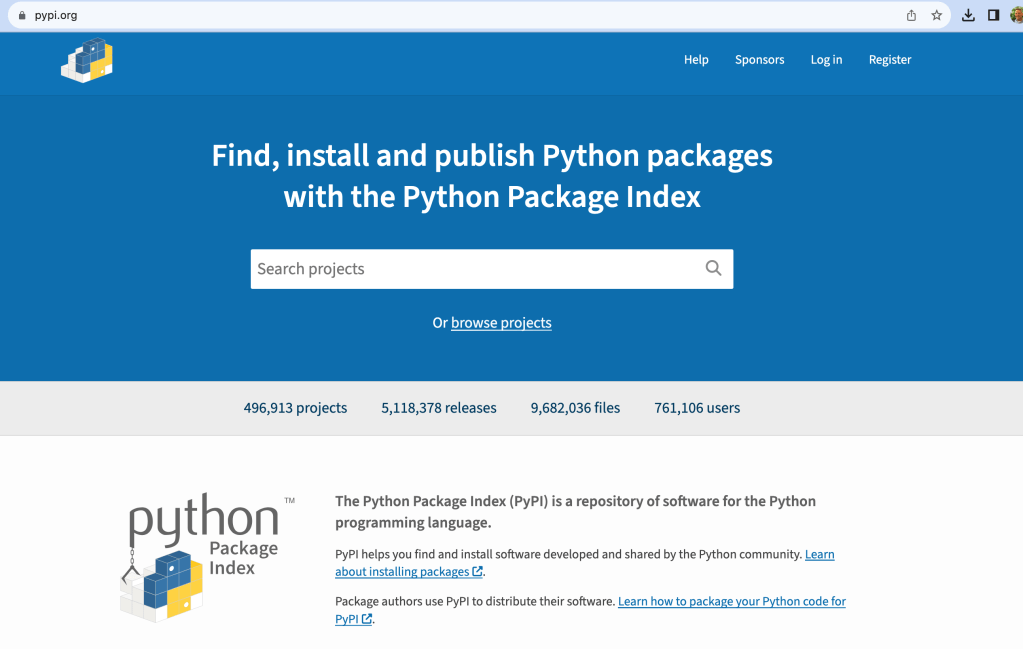
Third part modules can be found at PyPi (http://www.pypi.org):
You can use pip (install : > apt-get install python3-pip)
kali >pip3 install <package name>Downloaded packages are automatically placed in /usr/local/lib/<python-version>/dist-packages directory. Here’s an example installing pysnmp and then finding where the installed package’s location is:

You can also use wget to download a third-party module, one that is not an officially released Python package, say from the Python community. You use the wget command to download it, uncompress the module, and then run the python setup.py install command.
 davethemaker