In my previous post, I talked about what a SAN is and how it can be used- now, in this post, I’m going to share my hands-on experience configuring one.
There are three SAN components: host, storage, SAN fabric (cables, networking hardware). All SAN storage devices are called targets, while the initiators are the servers that have the special software to connect to the targets. I’m going to be configuring both of these. Specifically, I’ll be creating a virtual iSCSI target, and add an access server.
For the target: from Windows Server,
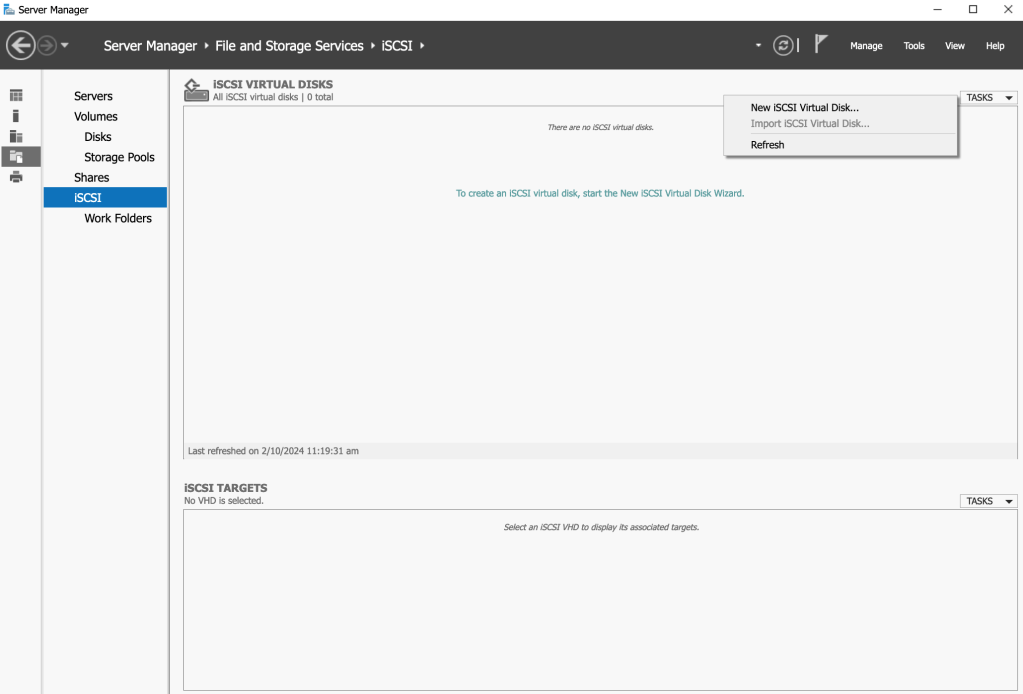
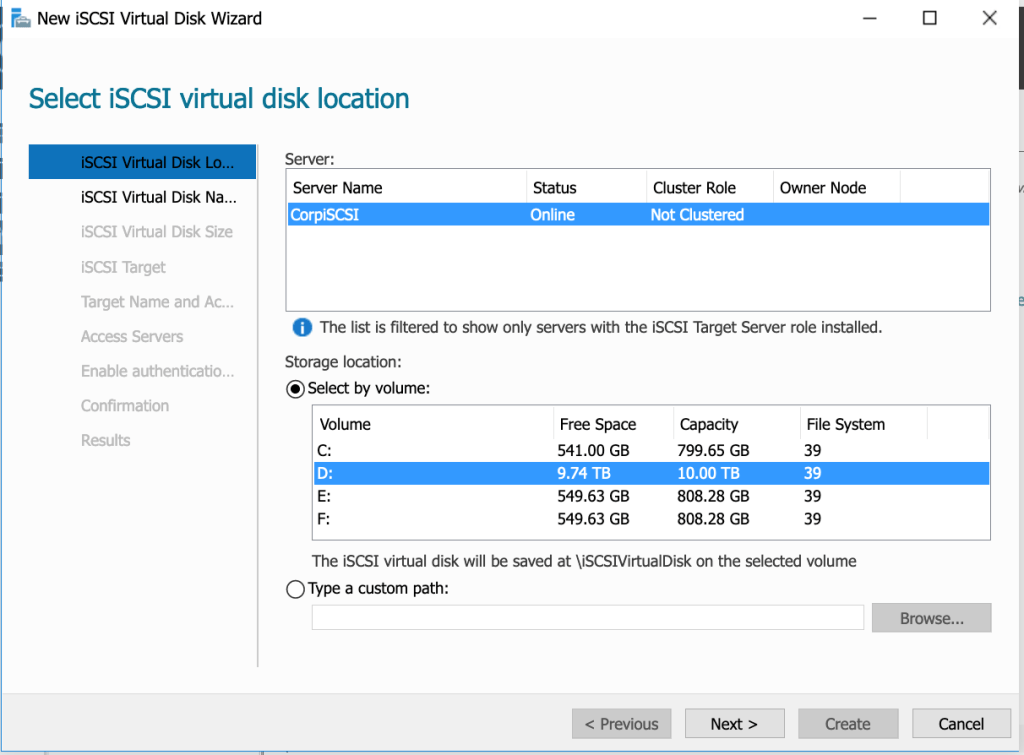
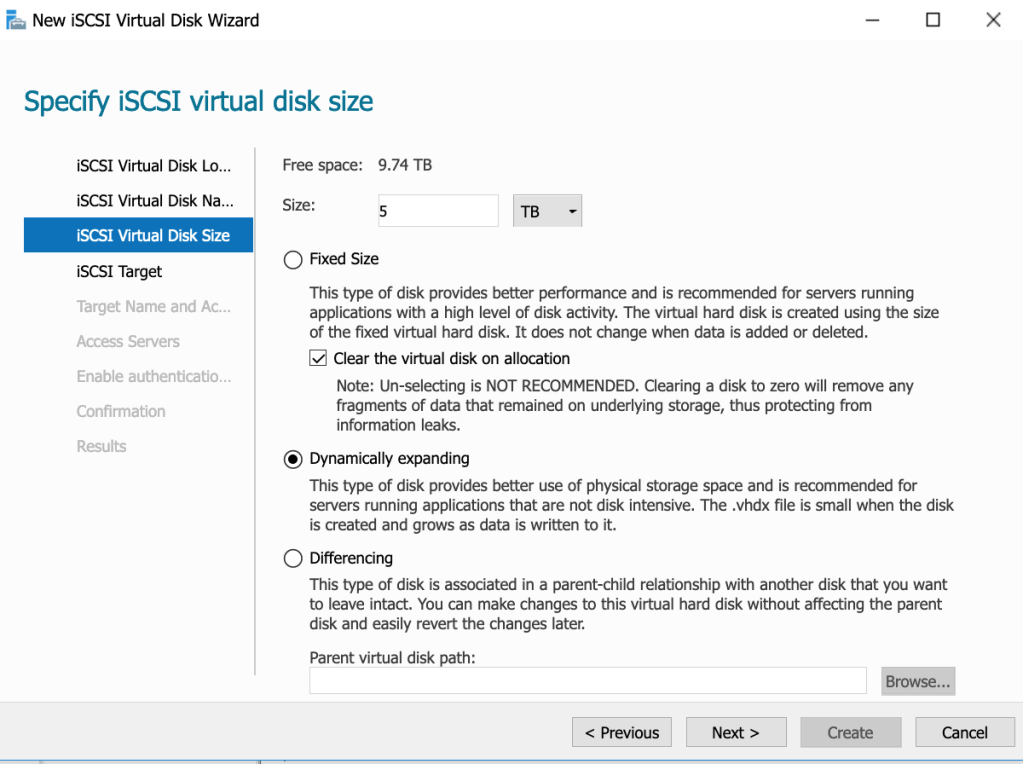
I select the drive that I want to use for the disk location, and then set the desired disk capacity (5TB):
Now, set the target name:
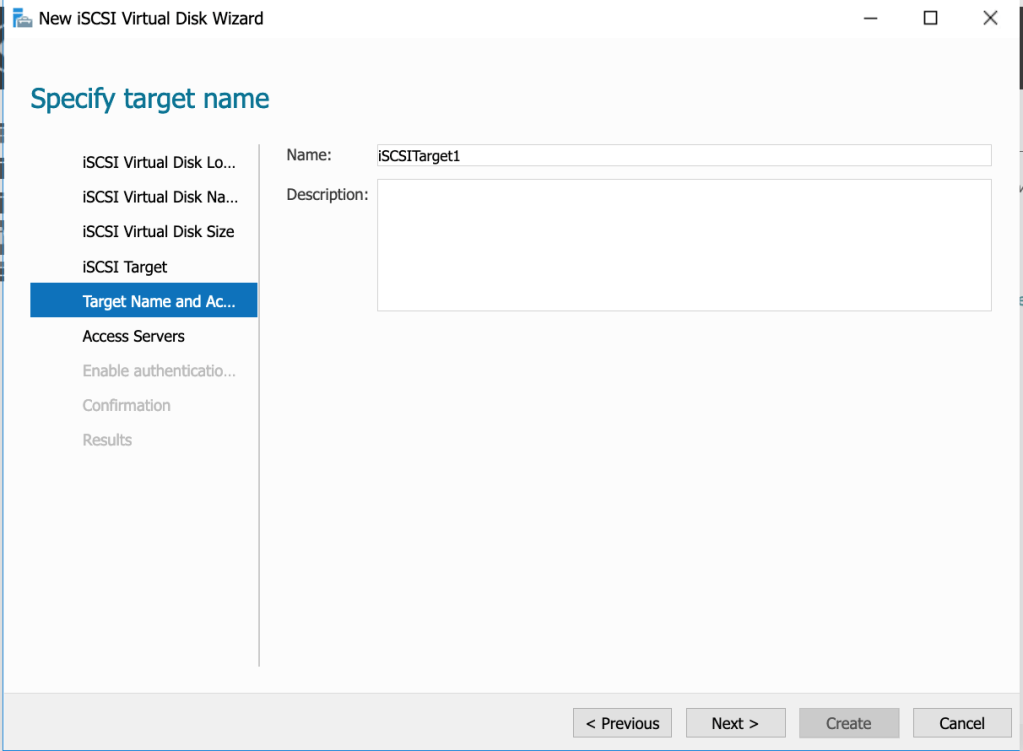
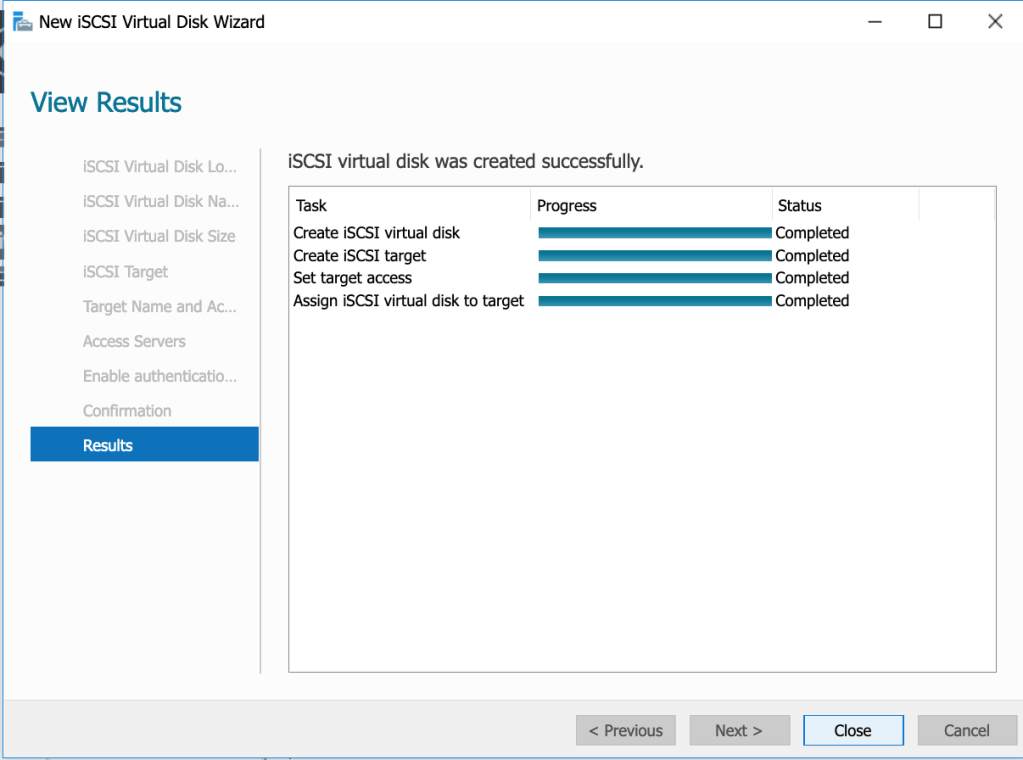
Good, now select the server that you want to authorize to be an initiator. And the disk is created.
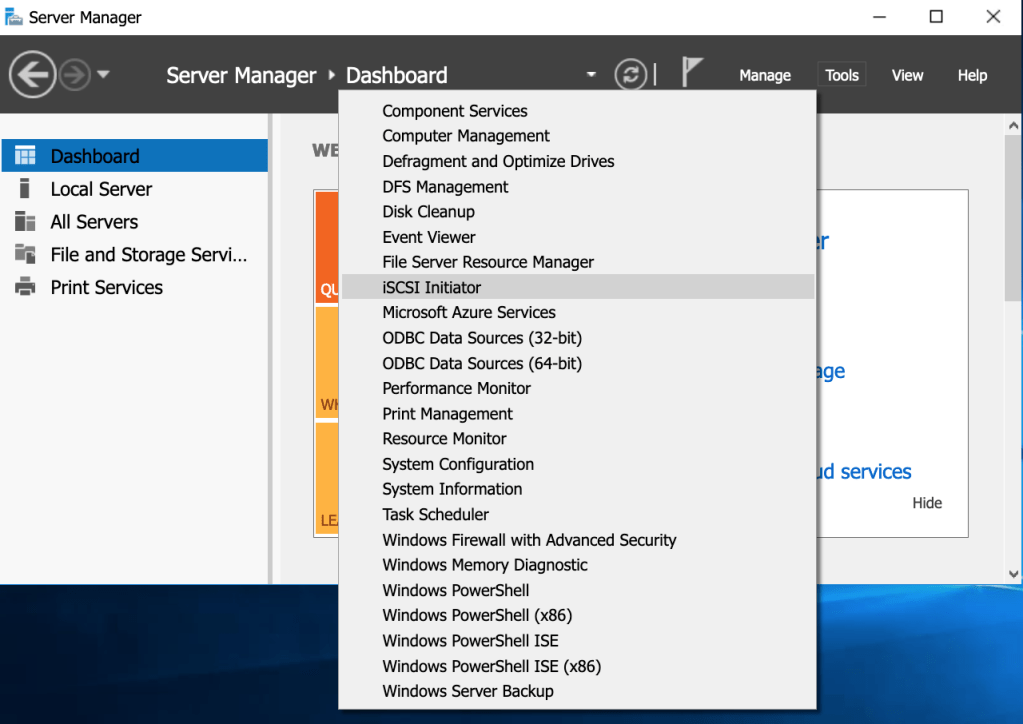
Now to create an initiator:
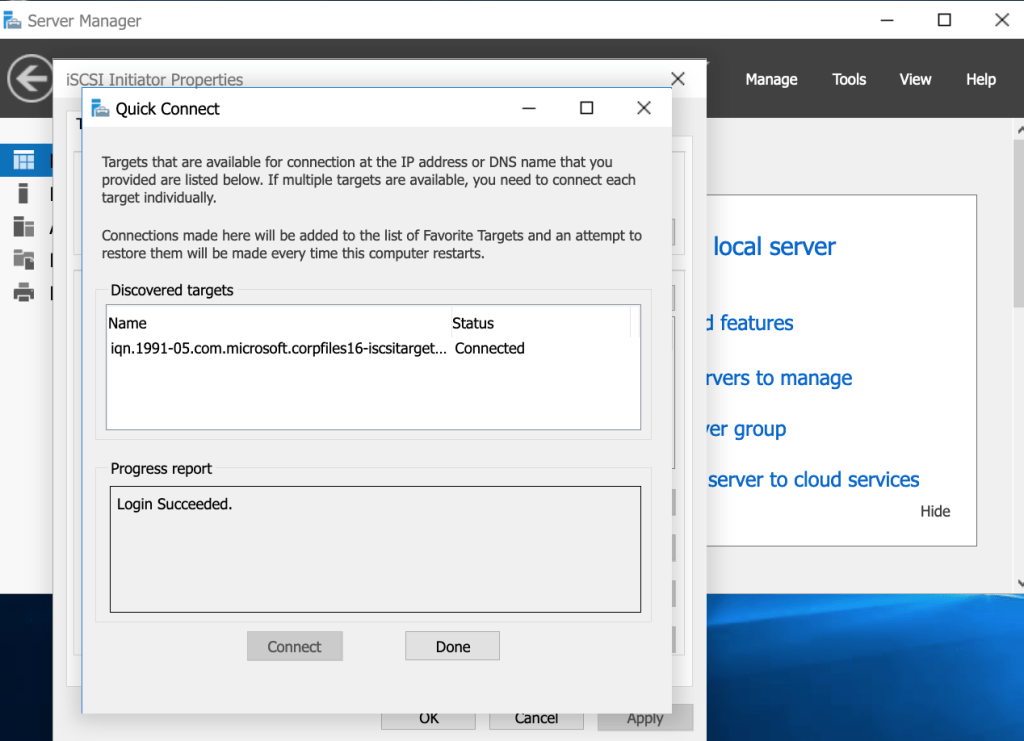
Connect to the Target that was created previously:
Now, let’s bring it online:
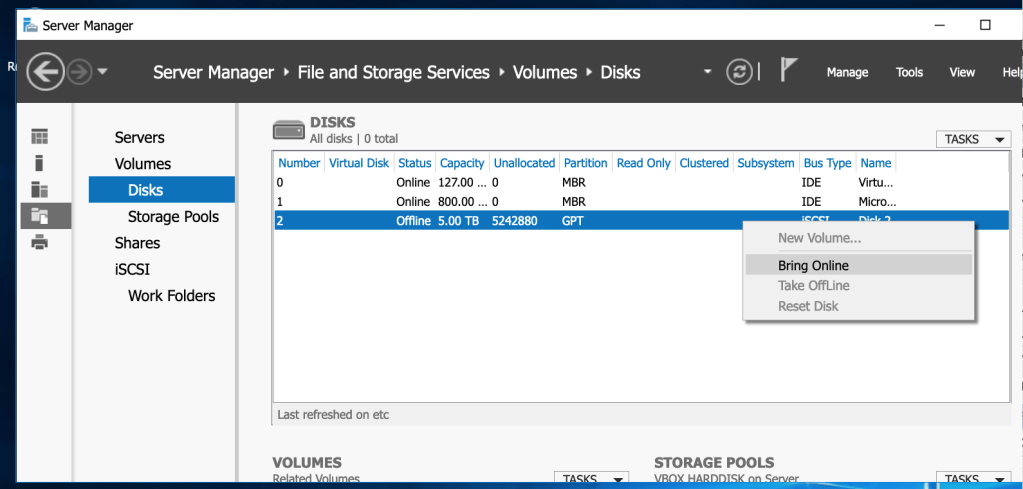
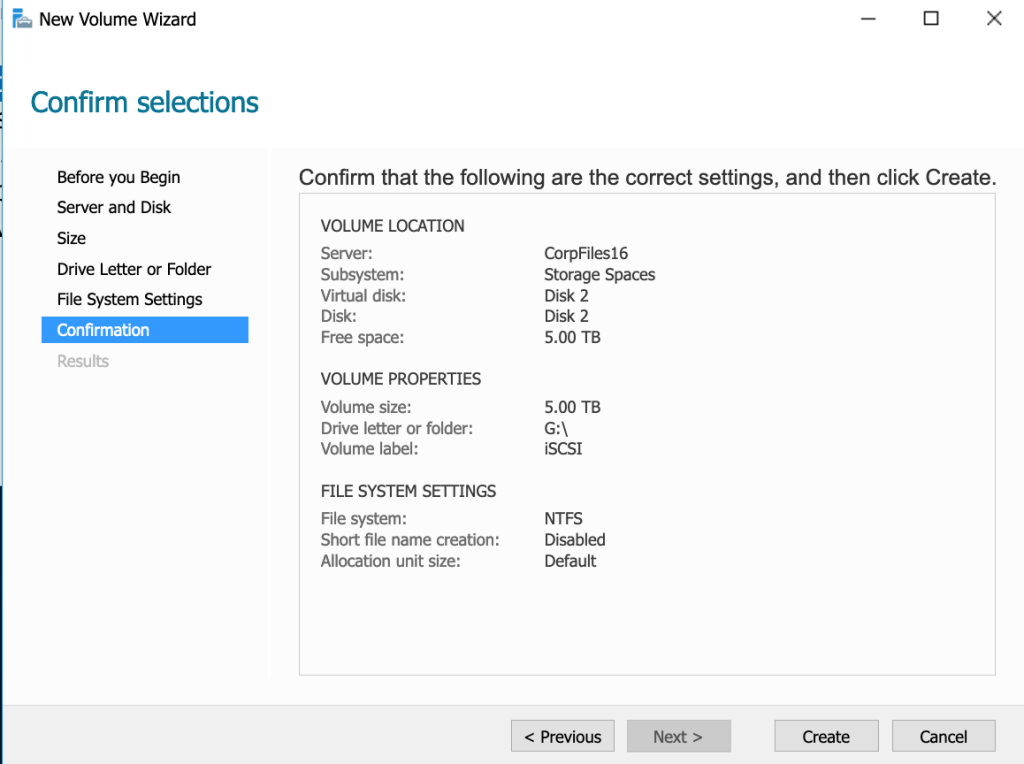
This is now the chance to create a volume using the wizard:
 davethemaker