I’ve been spinning up VMs using VirtualBox (by Oracle), including Centos 7, Kali Linux, Ubuntu- and for this exercise I am jumping into the Windows world to spin up a VM there.
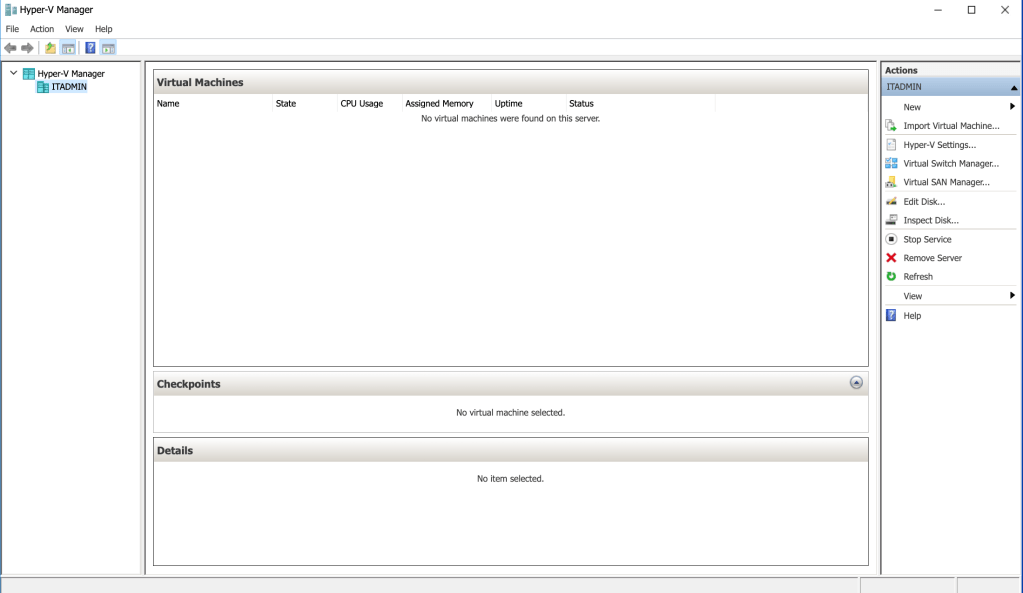

Above, you can see that I used the VM Wizard to provide the attributes that I want, setting memory size, networking (external), hard disk, name. I clicked ‘Finish’ and moved on to a second VM instance. For this one, I gave dynamic HD, beefier memory, an internal switch.


I was able to adjust the minimum and maximum memory values by right-clicking VM2 and selecting ‘settings’.
 davethemaker