I’ve written a few posts as I learned how to create a logical drive, and touched upon RAID systems too- in this post, I’ll combine the two together.
There are three main steps, in part I, with creating a logical drive: 1. Create hard drives that will become LVMs 2. create volume group(s) and 3. create logical volume(s) LVMs. The RAID part will come after all those three are done as part II.
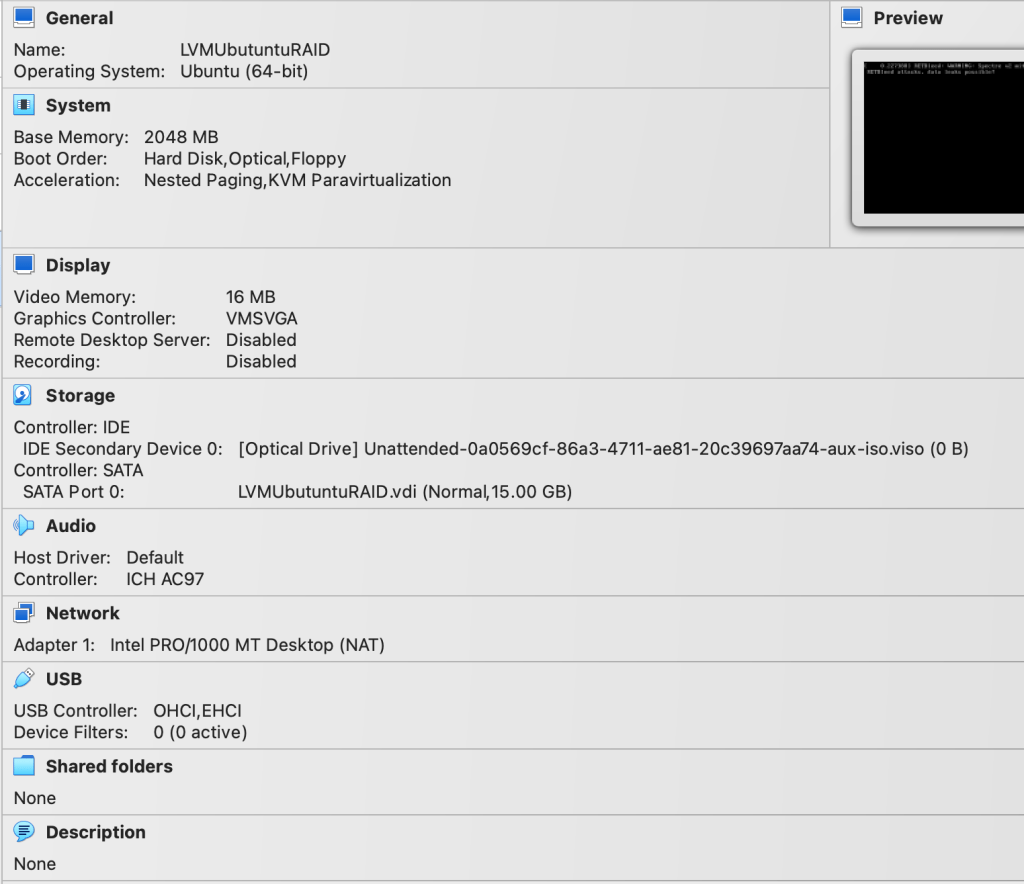
First I created a Ubuntu22.04 VM on VB with a 15GB HD.
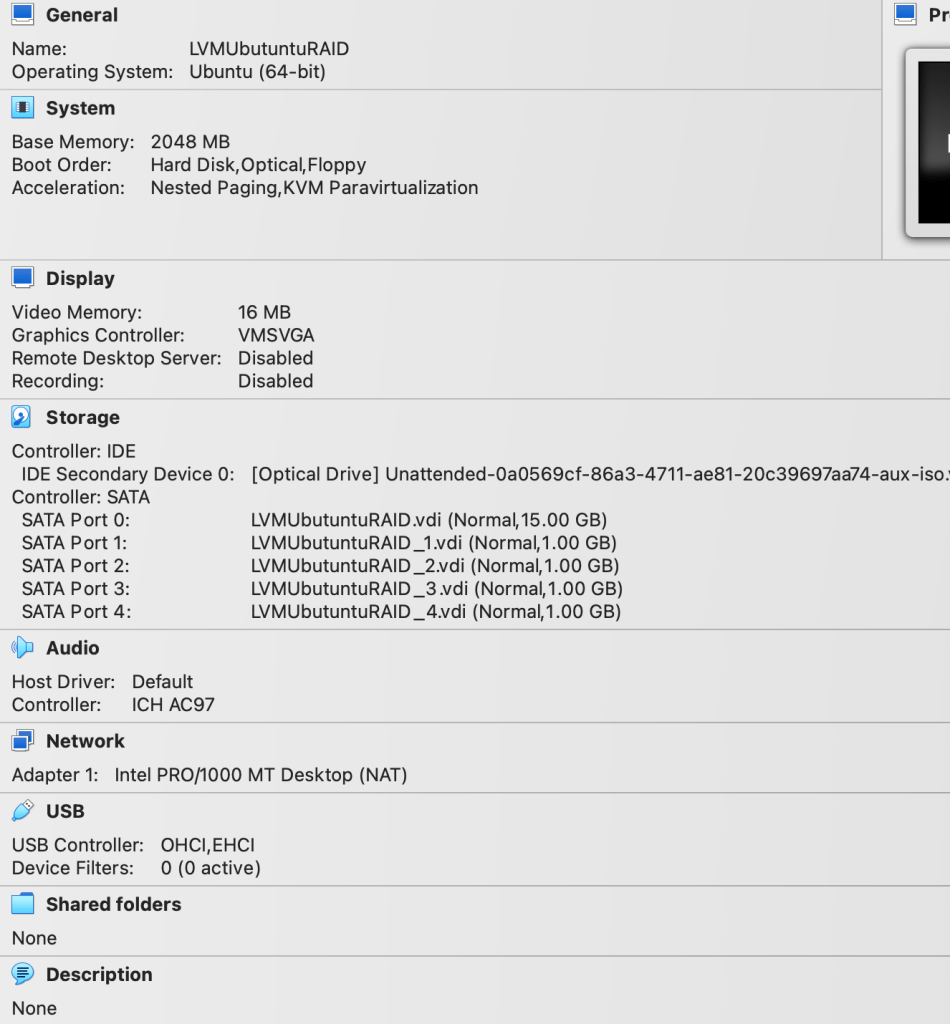
Here’s after I created four additional disks of 1GB each:
$ fdisk -l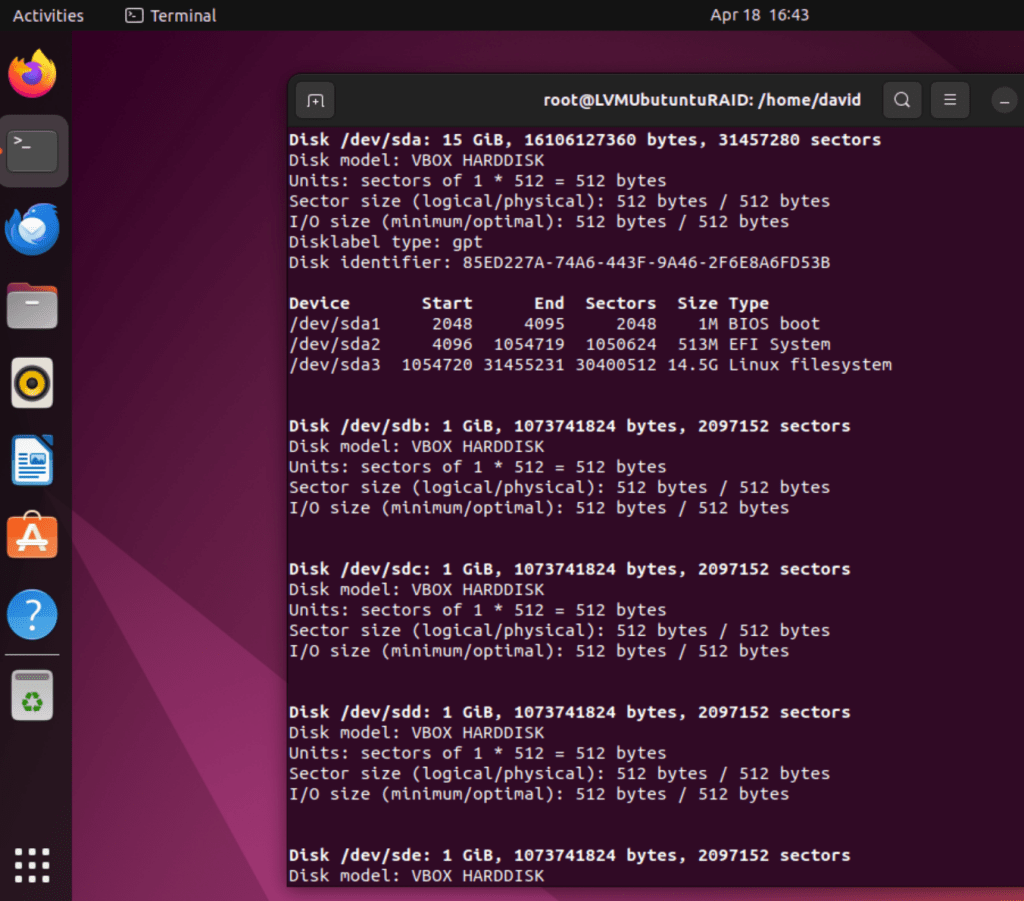
Next, to convert two of the hard drives into physical volumes for LVM using this code:
$ pvcreate /dev/sdb ; pvcreate /dev/sdc ; pvdisplay ; pvsHere’s the output:
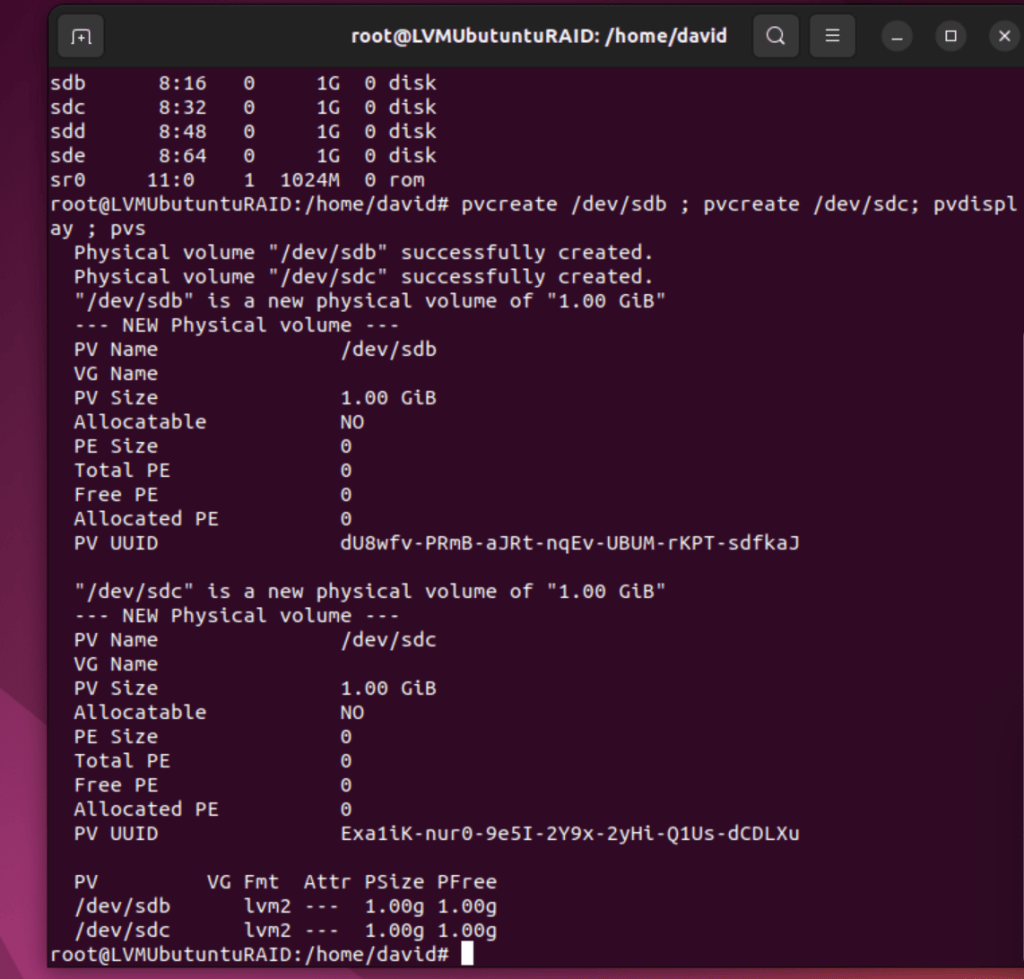
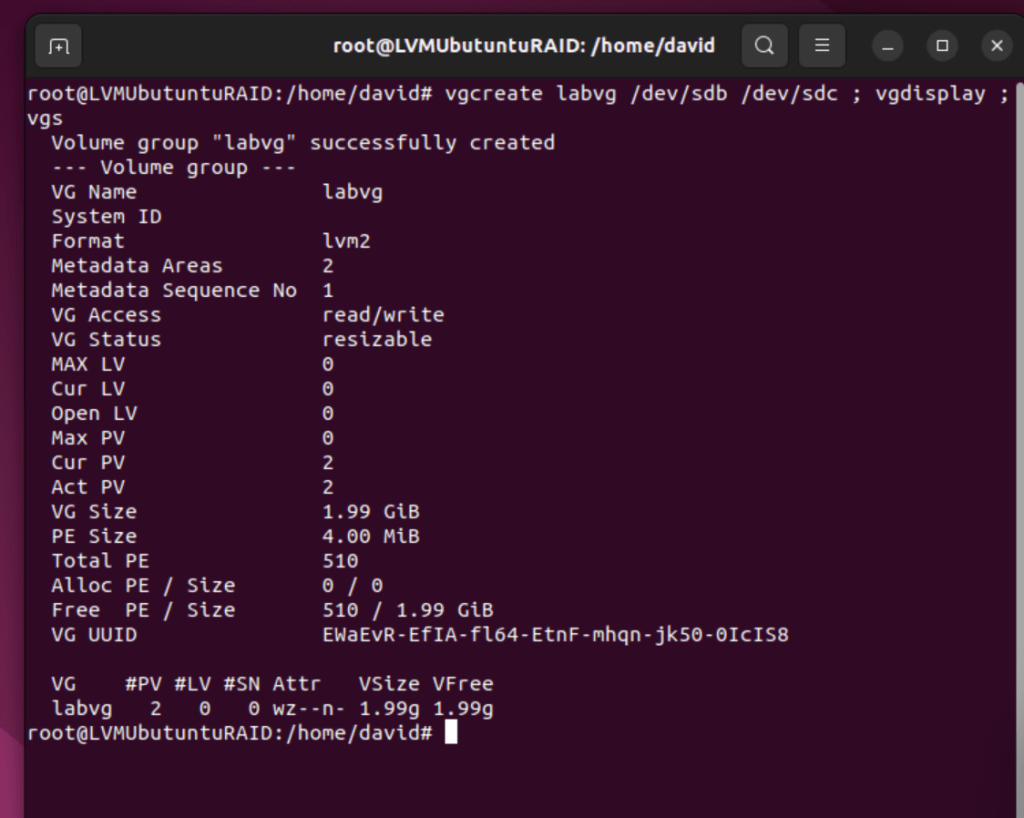
Next, create the volume group labvg using this command:
$ vgcreate labvg /dev/sdb /dev/sdc ; vgdisplay ; vgsHere’s the output:
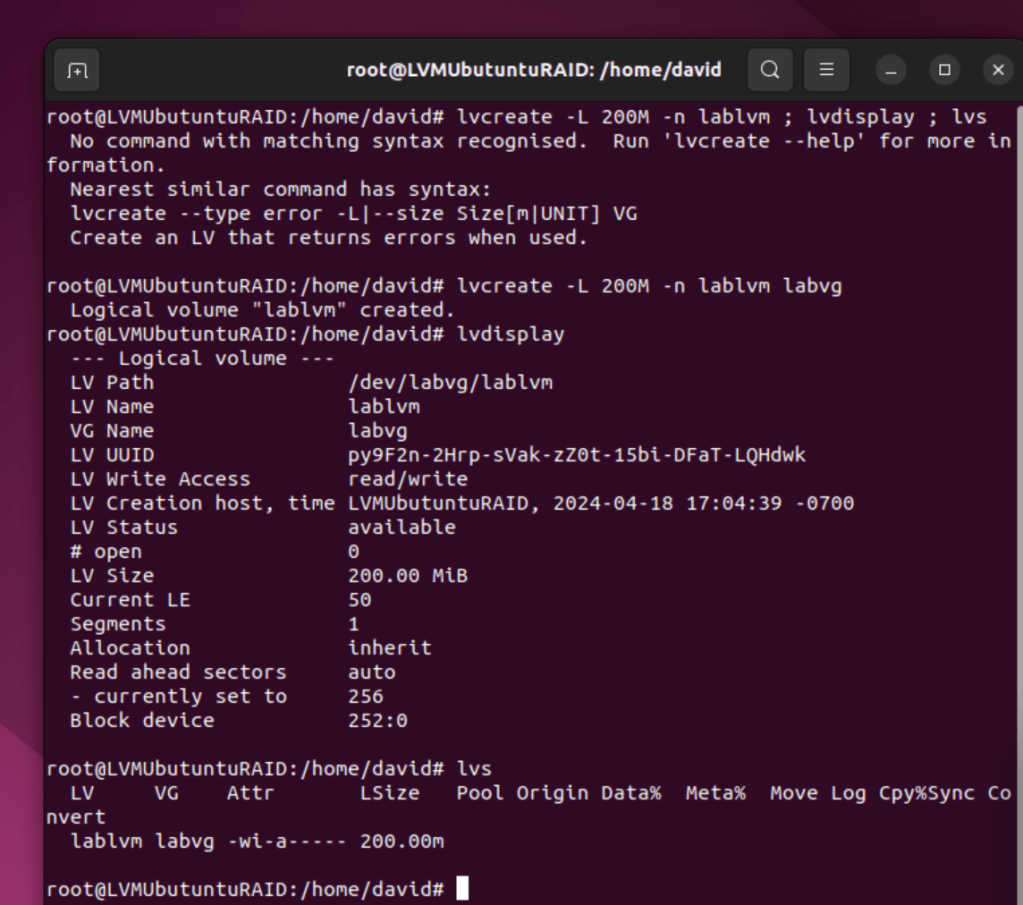
Now, to create a 200MB logical volume called lablvm from the volume group (labvg) using this command:
$ lvcreate -L 200M -n lablvm labvg ; lvdisplay ; lvsHere’s the output:
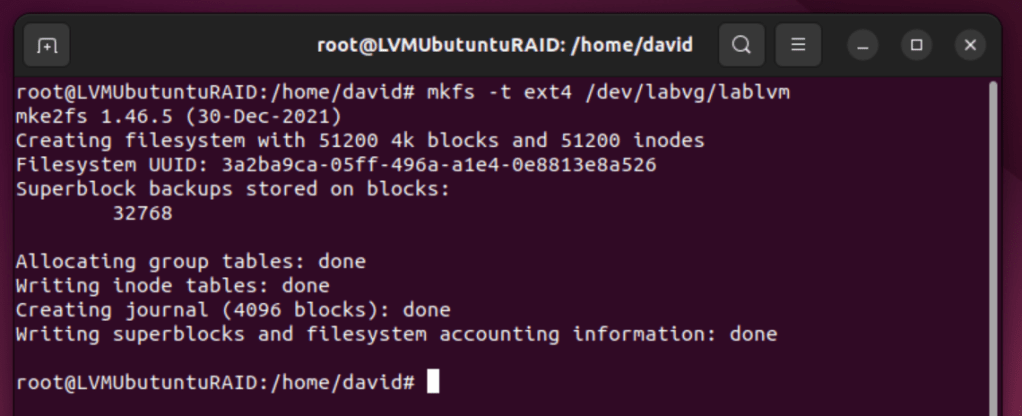
Create filesystem (ext4):
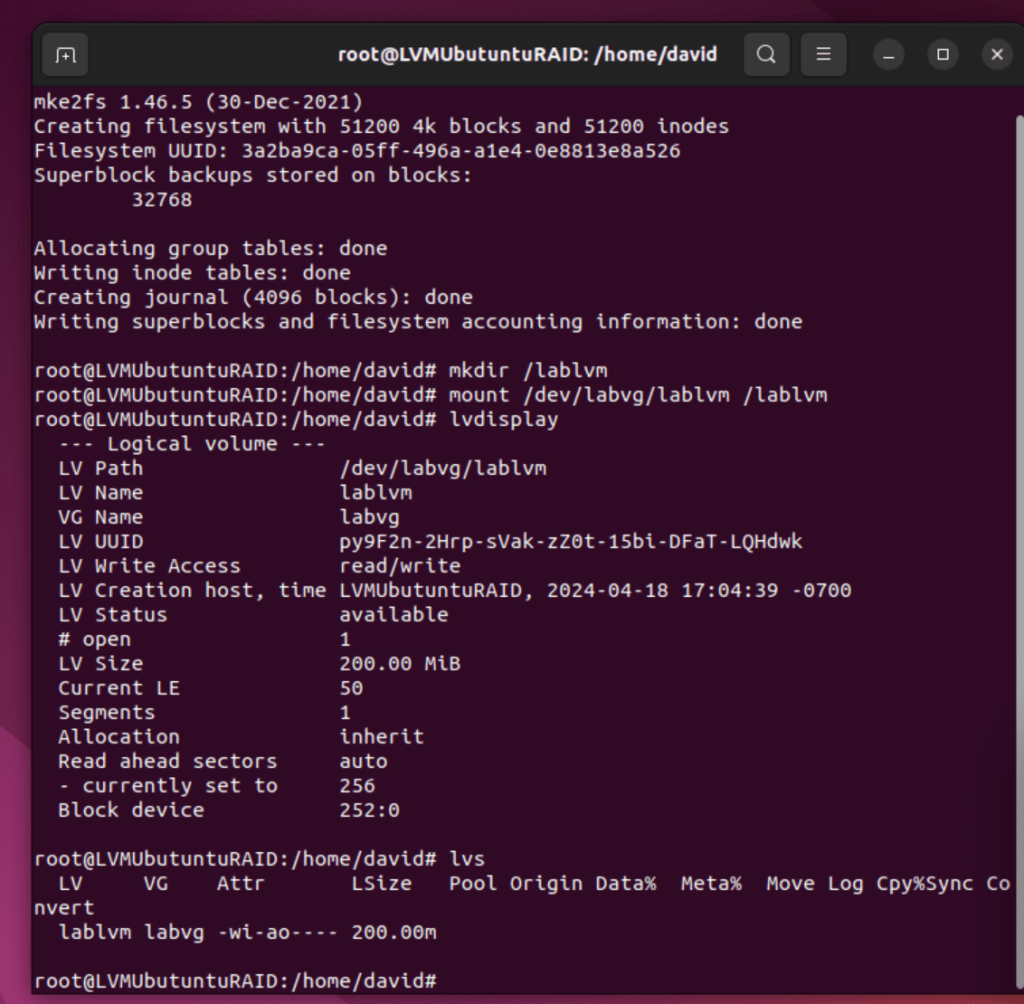
make directory and mount the FS onto the new, empty directory:
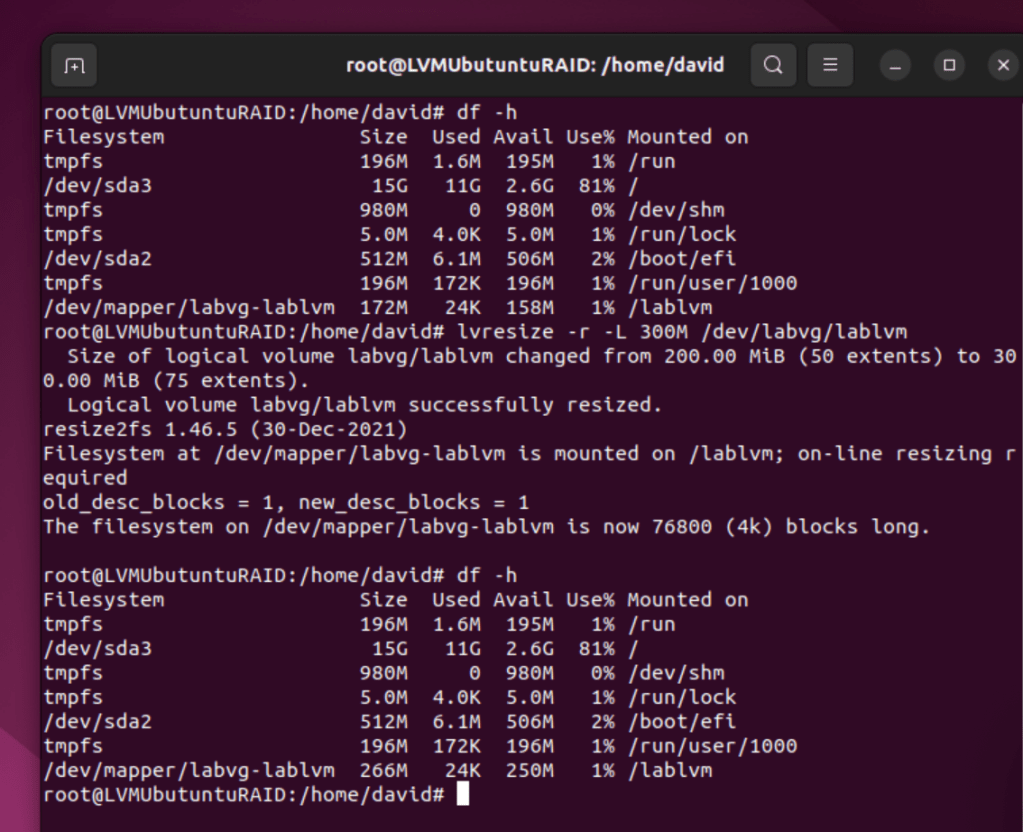
Resize the LV from 200MB to 300MB:
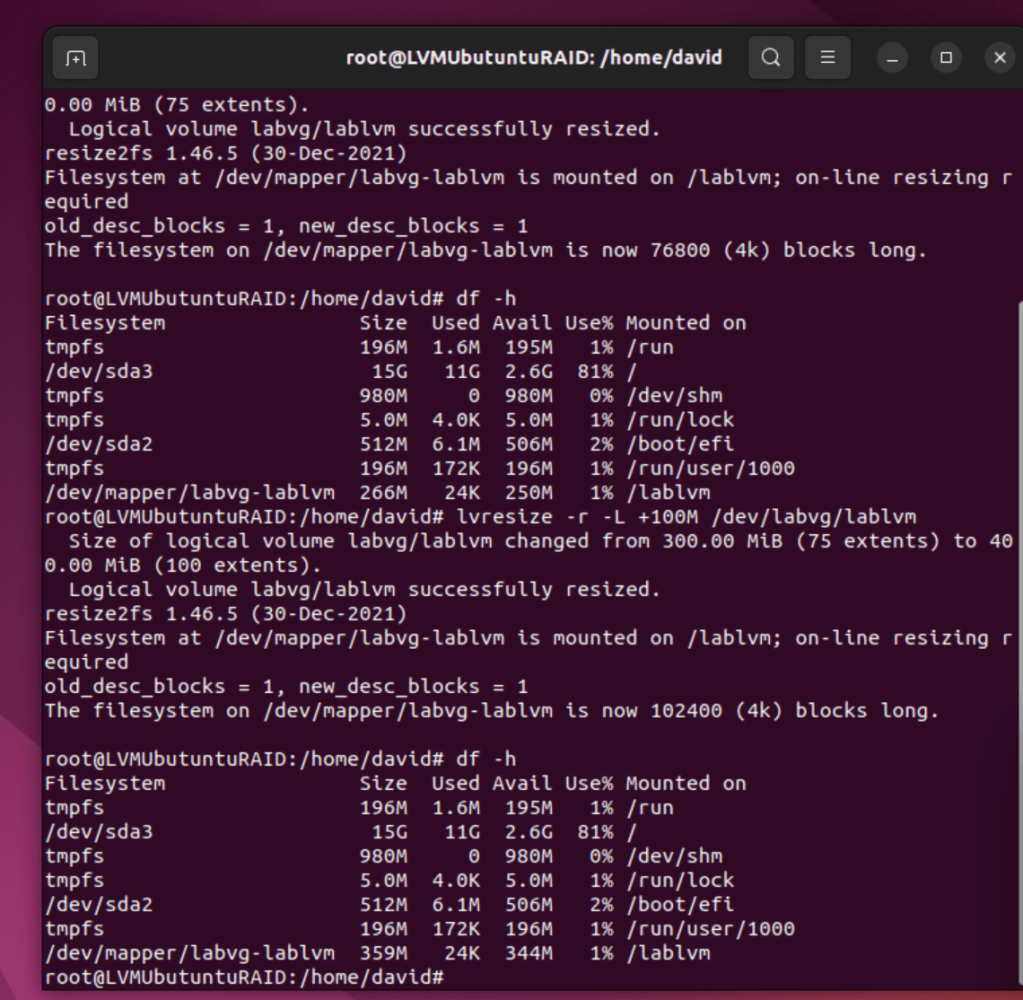
Let’s increase the LV another 100MB:
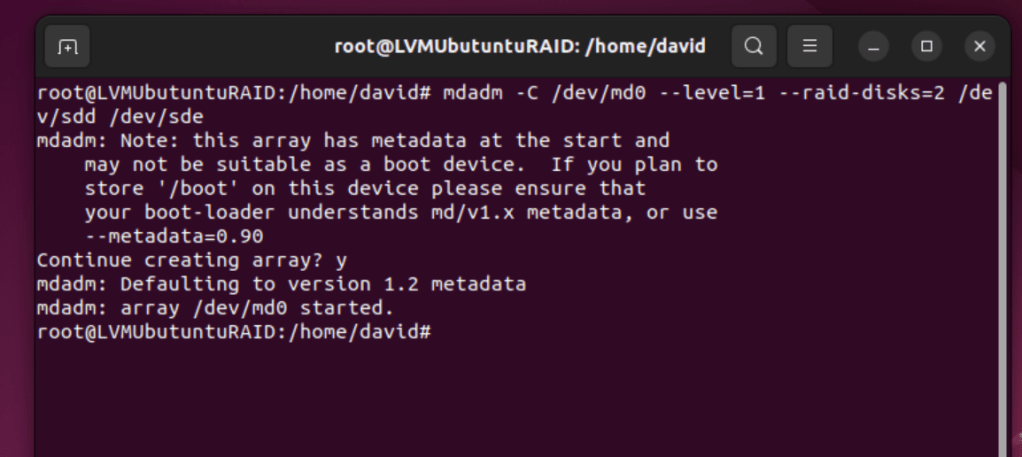
now, we will create a RAID 1 mirror using mdadm command:
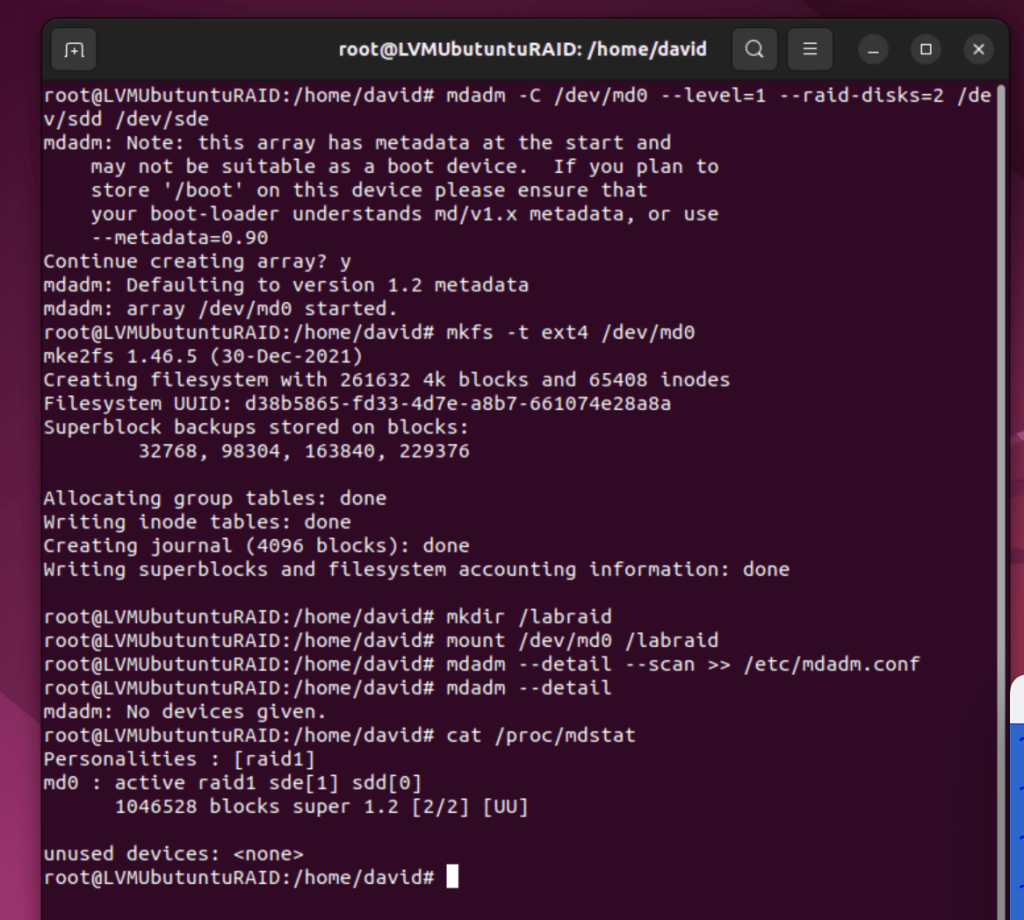
Create a filesystem on the RAID device and mount the FS:

Save the meta-device settings into /etc/mdadm.conf for boot time:
Now, to add entries to /etc/fstab for auto mounting at boot.
 davethemaker