In my previous post, I followed a tutorial which set up a VPC, along with four subnets (two of which won’t be used), each situtated in their own Availability Zone for increased security. The DB in one, a private subnet, with a security group that is locked down -only the EC2 server, in the same VPC, can access it on the appropriate port. The public-facing server, however, won’t be quite as locked down, since the public does need to access the content and resources provided, as well as my being able to SSH into the server for configuration and whatnot.
In this post, I’m building upon those previous efforts, and creating that web server and RDS DB. I’m following this great tutorial.
First, the EC2 Dashboard is where an instance can be launched- this will be the EC2 instance in the public subnet of the VPC created earlier:
Since I’m experimenting in a sandbox, it’s okay to use 0.0.0.0/0 for SSH access, but in a production zone this would be locked down to a specific IP address. This SSH access will allow me to access the server, which the HTTP and HTTPs traffic permissions will allow traffic from the internet:

Actually, I realized that this tutorial was a stand-alone and didn’t use the VPC or subnets used prior. So, I started over again, and this time I selected the VPC and the public subnet in zone 1a in which to place the EC2 instance. I also attached the public security group that had been created earlier (SSH, HTTP, HTTPs okay)

I made note of the public IPv4 address.
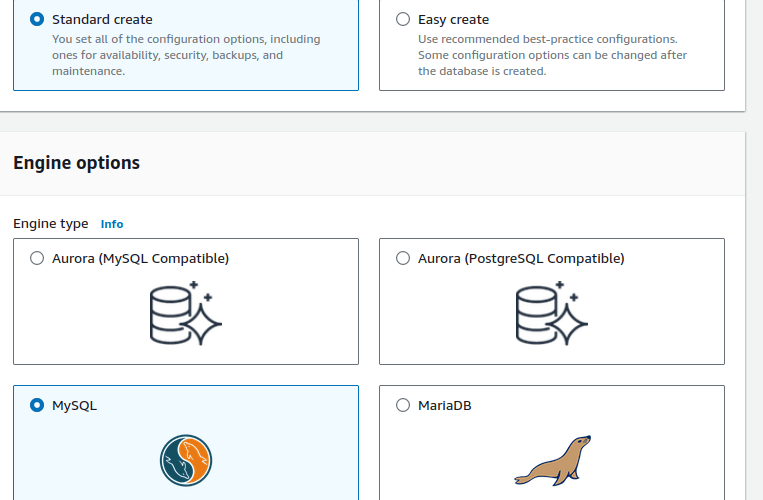
Next up, creating the MySQL DB! The AWS RDS console was the place to be, selecting database and engine.
Lots of options!
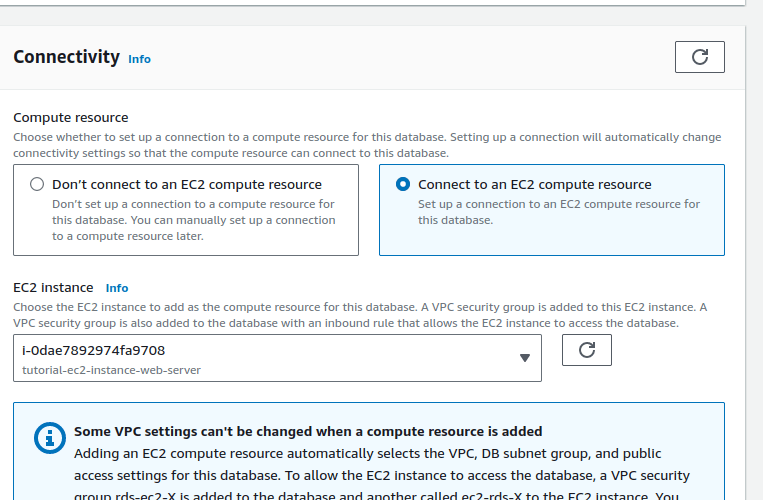
Here’s where things started to get interesting- under the ‘Connectivity’ subsection, I was able to select ‘Connect to an EC2 compute resource’ and select the EC2 instance I had created previously:
When it came to configurations that involved VPCs or subnets or security groups, I reached back for the values that had been created in the first phase (of creating the VPC, subnets, in post part 1).
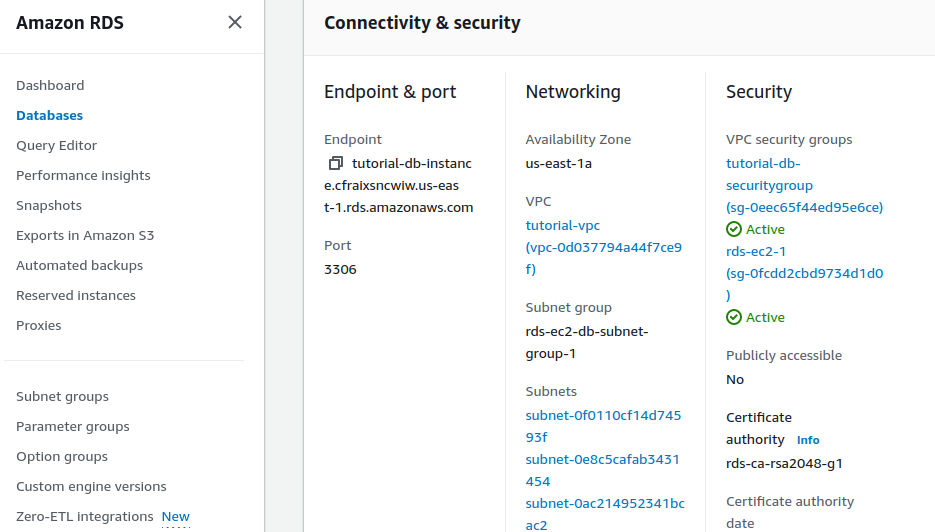
I made note of the endpoint and port number- needed information for connecting to the web server.
 davethemaker