In my previous post around spinning up an EC2 instance using Terraform, I concluded my notes with how the main.tf (the main code for the project that created the EC2 instance) repeated the port 8080 in two different sections of the code: both in user_data and when creating a security group. It’s better to not Repeat Yourself (DRY), so that one only has to update one piece in the code if revisions are necessary. Terraform helps with that, by offering input variables. Here’s the general syntax:

The body can contain these options:
description: describe how the var will be used; this will be seen by users not only when reading the code but also when running the plan or apply commands.
default: you can provide a value for the var through the command line (using the -var option), via a file (using the -var-file option) or via an env var (TF_VAR <variable_name>). Providing a default values will give Terraform a value to fall back on.
type: you can enforce type constraints on the vars a user passes in – these include string, number, set, tuple, object, bool, list, any.
validation: you can create custom validation rules for the input variable.
sensitive: if you set this parameter to tru on an input variable, terraform will not log it when you run plan or apply- thus you should use this on any secrets that you pass into terraform code, such as passwords, API keys, etc.
Here’s an example:
variable "my_number" {
    description = "This variable needs to be a number!"
    type        = number
    default     = 33
}
With this information, we can turn our attention back to our goal of setting a variable that will hold the port number. Here’s what that could look like:
variable "server_port" {
    description = "The server port used for HTTP requests"
    type        = number
}
Notice that no default value has been set, so when this code has been added and $ terraform apply is run, then the prompt will ask for a value:

We could have provided a value using CLI:
$ terraform plan -var "server_port=8080"or by using an environment variable:
$ export TF_VAR_server_port=8080
$ terraform plan
or, simply provide a default value:
variable "server_port" {
  description = "The server port will used for HTTP requests"
  type        = number
  default     = 8080
}
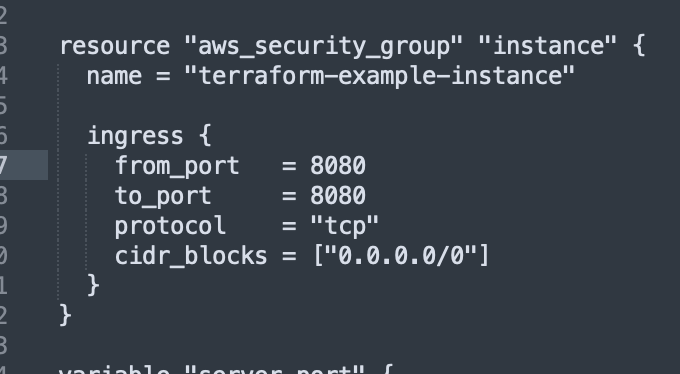
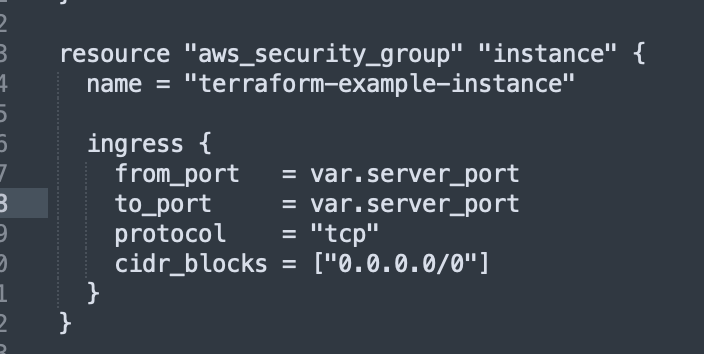
This input variable is used with this syntax: var.<variable_name>. So in this case, we’d use that in the resource attrribute in the code:
The original code:
and the updated code:
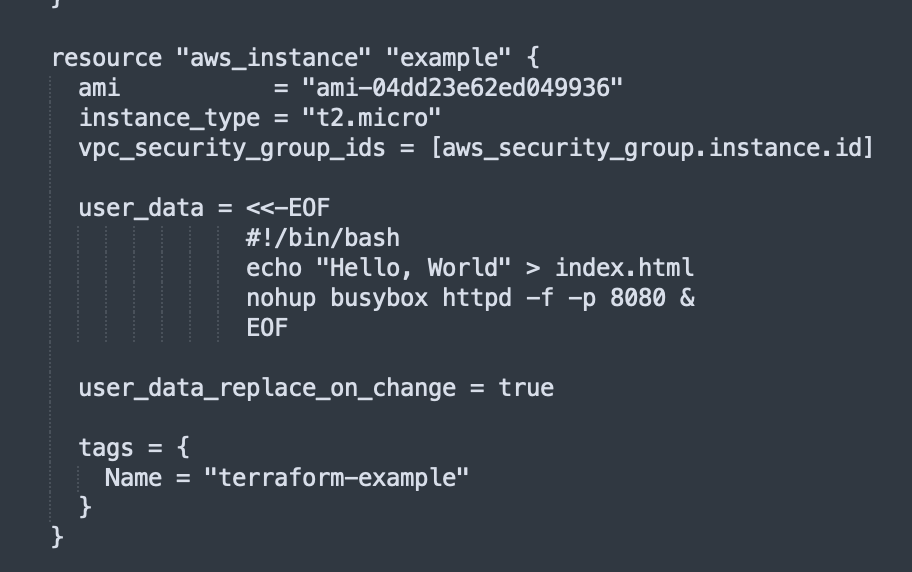
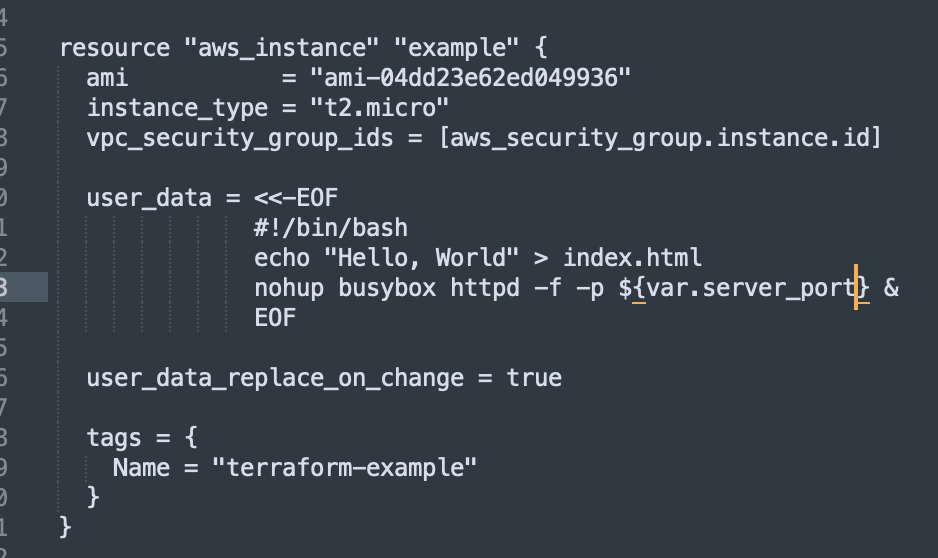
To use this variable value within userr data, we use interpolation: “${…}”
Previous code:
Updated code using interpolation with the variable:
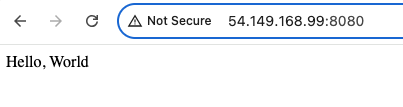
Having made these changes, I saved the file and ran ‘$ terraform apply’ and opened up the AWS Console to view the running EC2 instance and it’s output on port 8080- success! It works just as it had before using the variable!
Output variables
We’ve covered input variables, but what about output variables? Here’s the general syntax:
output "<name>" {
  value = <value>
  [config..]
}
You can also add: description (document what type of data this is), sensitive (tell Terraform not to log this at the end of plan or apply), depends_on (explicitly tell Terraform about a dependency).
Here’s an example:
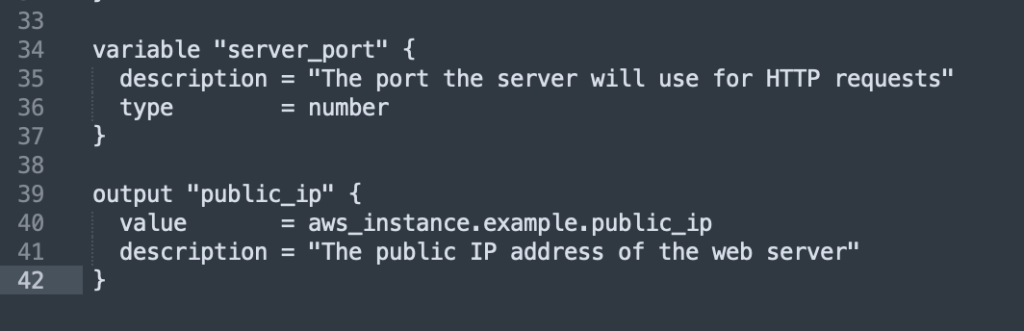
output "public_ip" {
  value       = aws_instance.example.public_ip
  description = "This is the public IP web server addr"
}
Adding this to the main.tf code:
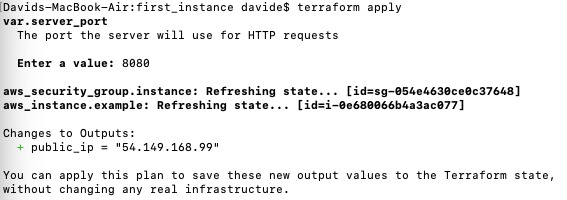
running $ terraform apply…
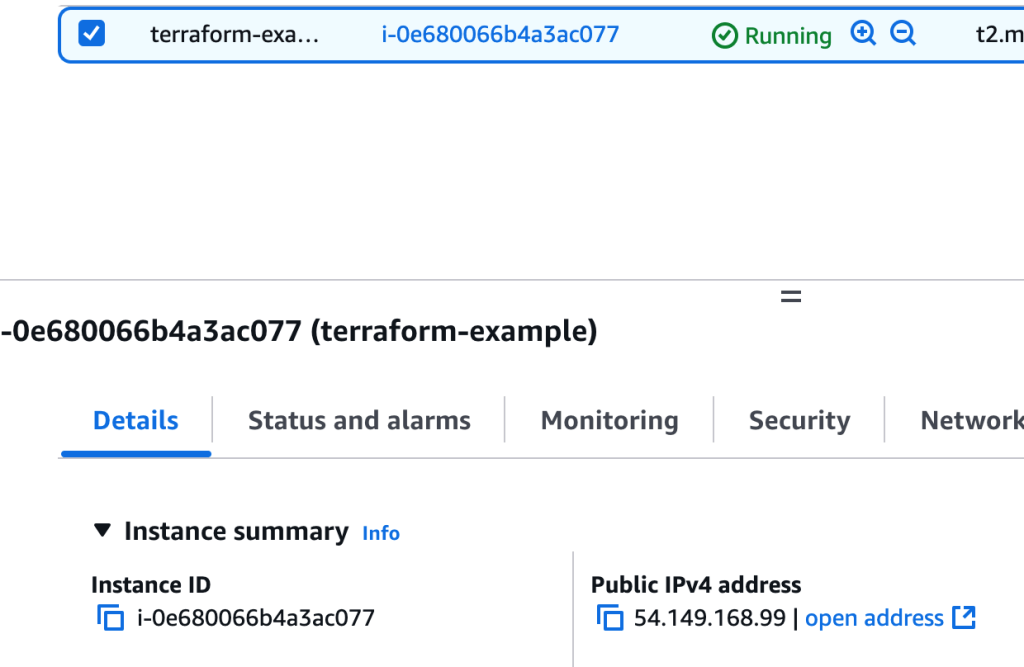
which does match the Public IPv4 address info of the running EC2 instance:
You can also getting the general output with $ terraform output or, for specific output, $ terraform output public_ip
As the book states, this could be useful in a deployment script:
- have the script run $ terraform apply # deploy the web server
- have the script run $ terraform output public_ip # grab its public IP
- have the script run $ curl on the IP addrress to validate that the deployment worked
and in the next post, we will look at Auto Scaling Groups…
 davethemaker