I’ve been working with Terraform in creating an EC2 instance and provisioning it within a single AZ and subnet. I haven’t instantiated any scaling groups yet, though that’s on the near horizon, which is, along with an ELB, important for failover reasons and minimizing risks.
In this post, I’m going to get some hands-on experience with spinning up an EC2 instance within a single region and a single subnet within an AZ, open up port 80, and then install the full stack app (WP) on that EC2. This isn’t great for production reasons as there is no failover solution, but it’s good for both doing a hands-on implementation (vs IaC) and having a solution to compare better failover-practices against. For this experiment, we will use EC2, install MariaDB, Apache & libraries and then download and install wordpress.
I spin up a T2.micro ec2 instance in us-east-1a AZ, and then instance connect to it using the browser interface. Time to jump into the CLI! Let’s set authentication variables:
# set variables
DBName='variable'
DBUser='variable'
DBPassword='variable'
DBRootPassword='variable'
Next, let’s install system software, including web and database, apache server and MariaDB and wget for future installation:
sudo dnf install wget php-mysqlnd httpd php-fpm php-mysqli mariadb105-server php-json php php-devel -yLots of terminal output…
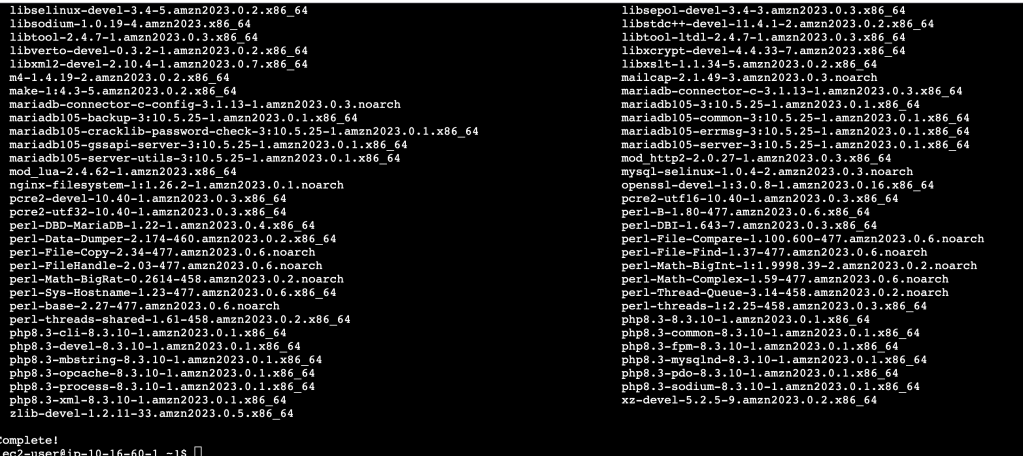
Now to config the web and db servers, in case they are stopped and restarted too
sudo systemctl enable httpd # restart if stopped
sudo systemctl enable mariadb
sudo systemctl start httpd # start this bad boy
sudo systemctl start mariadb
Then set MariaDB root password
sudo mysqladmin -u root password $DBRootPasswordInstall WP into web root of server:
sudo wget http://wordpress.org/latest.tar.gz -P /var/www/html # d/l WP into server web root

cd /var/www/html
sudo tar -zxvf latest.tar.gz #extract the tar file

sudo cp -rvf wordpress/* .  # copy files
sudo rm -R wordpress
sudo rm latest.tar.gz
Once that is all cleaned up, here’s our file structure:

Next, we need to configure WP:
sudo cp ./wp-config-sample.php ./wp-config.php
sudo sed -i "s/'database_name_here'/'$DBName'/g" wp-config.php
sudo sed -i "s/'username_here'/'$DBUser'/g" wp-config.php
sudo sed -i "s/'password_here'/'$DBPassword'/g" wp-config.php
sudo chown apache:apache * -R
and we need to create WP Database:
echo "CREATE DATABASE $DBName;" >> /tmp/db.setup
echo "CREATE USER '$DBUser'@'localhost' IDENTIFIED BY '$DBPassword';" >> /tmp/db.setup
echo "GRANT ALL ON $DBName.* TO '$DBUser'@'localhost';" >> /tmp/db.setup
echo "FLUSH PRIVILEGES;" >> /tmp/db.setup
mysql -u root --password=$DBRootPassword < /tmp/db.setup # run the setup script by mariaDB
sudo rm /tmp/db.setup
With that, I can open my browser to the public IPv4 IP address of the instance to utilize the WordPress instance. This all took a lot of time, and even more importantly, was prone to potential user error- so many opportunities for typos! Definitely good reasons to lean into automation and scripting where possible…

 davethemaker