Building off my last post, where I spun up an EC2 instance, used SCP to upload a project folder to that instance (including index.html file, a few pictures, and a Dockerfile), and then using Docker daemon to build a Linux-base container with an Apache server running those web services.
Now, to push that docker image to Docker Hub, which is useful learning in and of itself, but I will be using this to test automation and, later, ECS services by AWS. Let’s take this one step at a time..
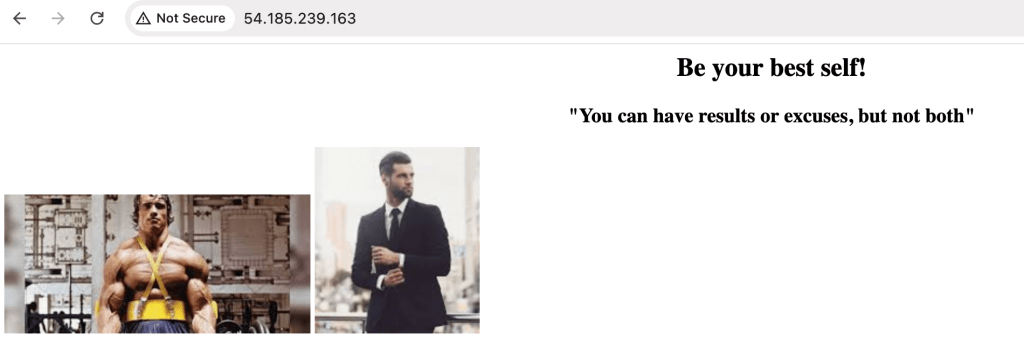
First, the container ‘inspiring_pics_container’ is running successfully, and I am able to view those web contents by plugging the instance public IPv4 IP address into my brrowser

Next, log in to Docker Hub by providing authentication credentials:
$ docker login

# build the docker image
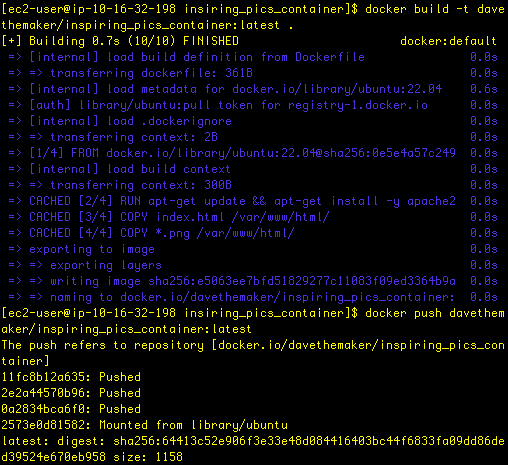
$ docker build -t <dockerhub-username>/inspiring_pics_container:latest .
and then we push that container to the Hub:
$ docker push <dockerhub-username>/inspiring_pics_container:latestHere’s the corresponding output for these commands:
and then I can verify that the container has indeed been successfully uploaded in Docker Hub:

 davethemaker