Building on my previous post where I created a docker container and pushed it to Docker Hub, I’m going to be using the AWS ECS service to deploy said container, and I’ll be using the Fargate service.
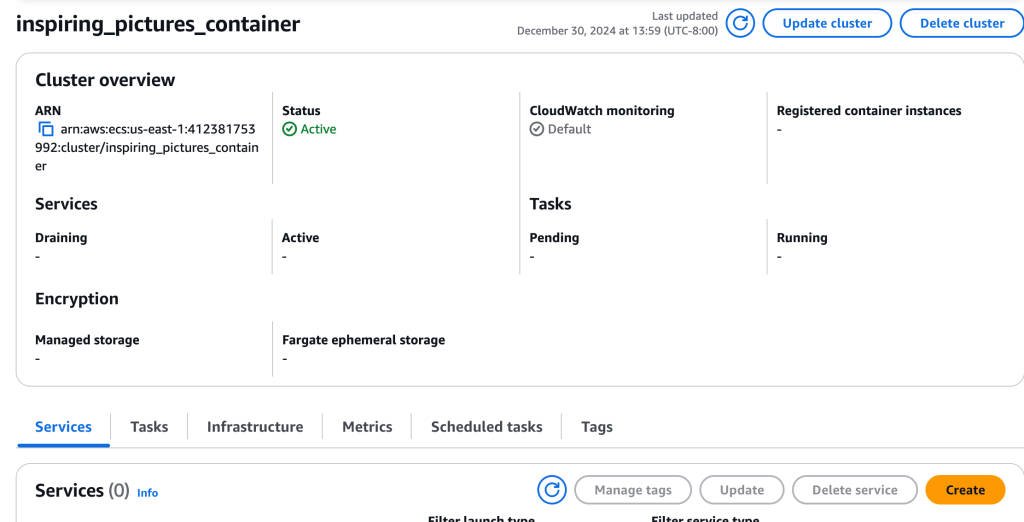
In ECS, I create a cluster named ‘inspiring_pictures_container’, and am a little perplexed because I don’t see the Networking configuration section as expected – updated UI, I suppose. [ * edit, the network configuration comes later, when configuring a task* ]. I select AWS Fargate as Infrastructure, then ‘Create’.
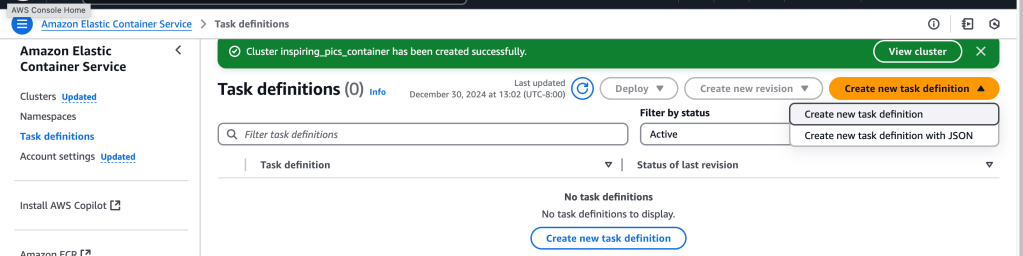
First order of business: create Task that will deploy the container into Fargate. So I select Task definitions > Create new task definition:
One needs to give a task definition family name, and then we set the detailed configs for the container that will do that task. That includes the OS, CPU and Memory capacities, the container name and the container URI. The container I created can be found at: docker.io/davethemaker/inspiring_pics_container:latest
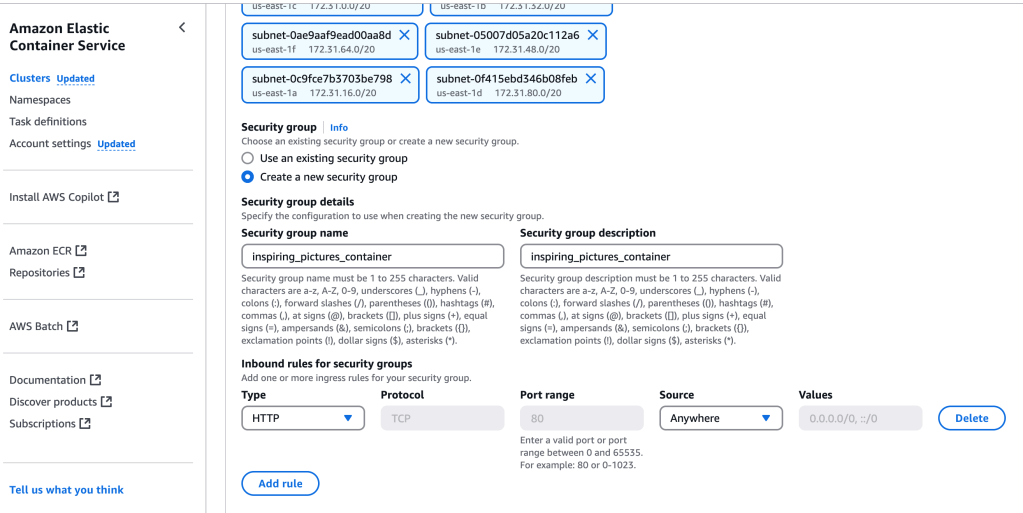
Now, to create a task- this is the task definition. For compute options, I selected ‘Launch Type’ and ‘Task’ for the Deployment Configuration, select the VPC, Subnets, Security Group (I created a new one that allows inbound on http 80, which is the accessible port on my container). I also ensure that ECS has the necessary permissions through a IAM role created previously – that is for the execution role (not the more general task role since it’s a very simple container).
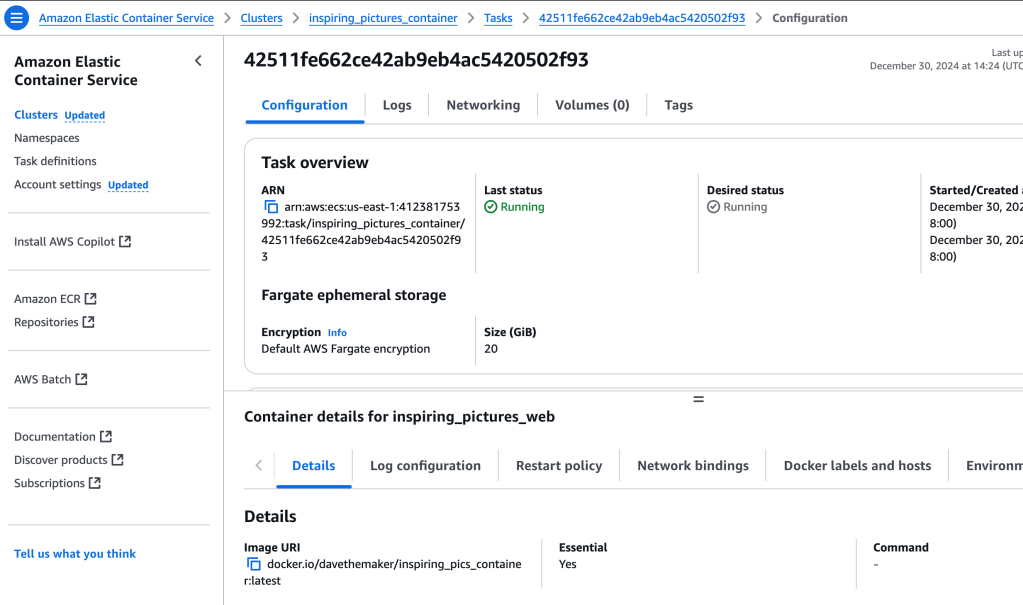
Now, to link the two. I go to Clusters and select the cluster I just created (“inspiring_pictures_container”). The task that I just created is there, under the ‘Tasks’ tab- I wait for ‘Last Status’ and ‘Desired State’ to both reflect ‘running’ state.
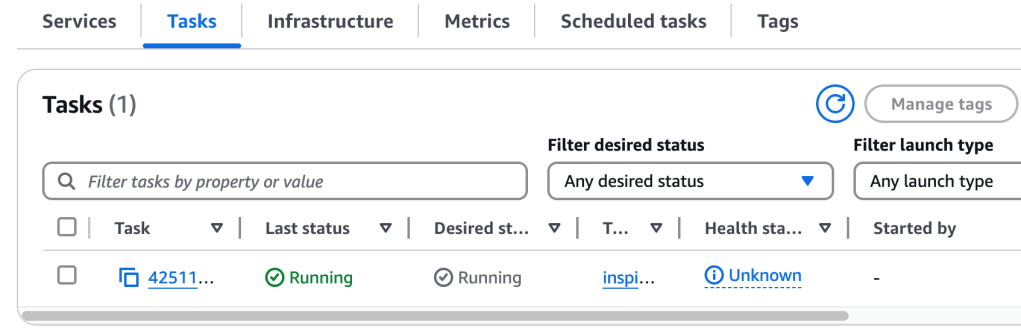
Now that they are both ‘running’, I can click on the Task link, which takes me to tthe resource page:
The Public IPv4 address, pasted into the browser, will bring up the running container output!
 davethemaker