One of the critical components of ensuring that data remains confidential, and other critical aspects such as nonrepudiation and authentication, is through the use of encryption methodologies. In this post, I’m going to walk through configuring AWS Encryption using the CLI, creating an encryption key using KMS (which will be used to encrypt and decrypt data), and then put that key to use with some sample data. Let’s get to it!
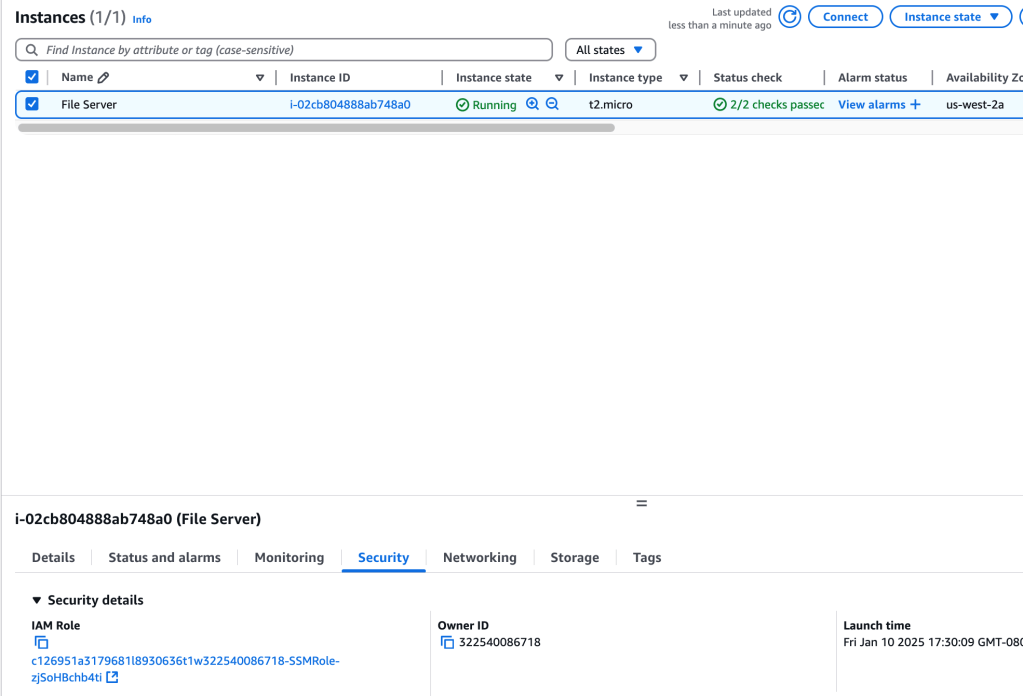
One EC2 instance has been instantiated, with an IAM role attached that gives permissions for (me) to connect to the instance outside of ssh – by using the AWS Systems Manager Session Manager.
Create AWS KMS key
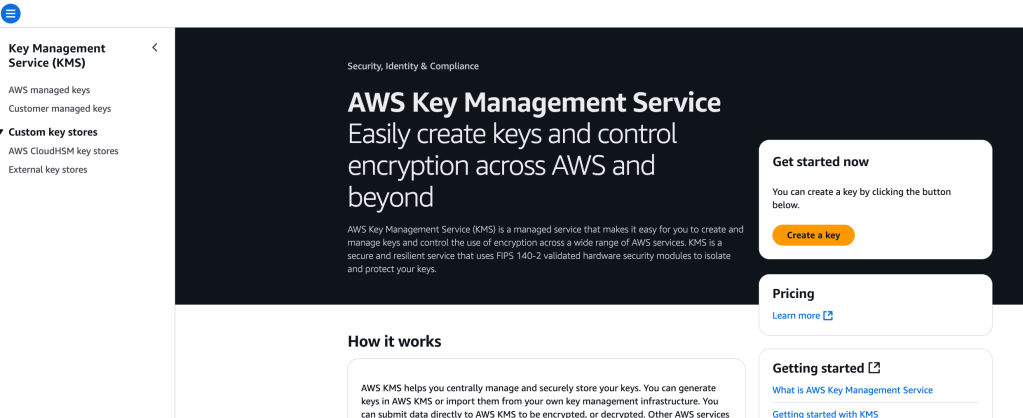
This will be a key to de/encrypt data. This service (AWS KMS) uses HSMs to protect keys, which are held to a high industry standard.
With the KMS service, I can get started right away with creating a key:
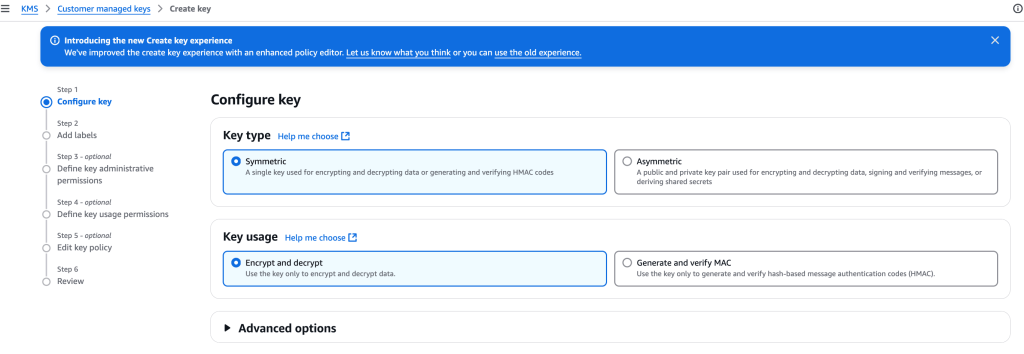
Choose symmetric used for d/encryption
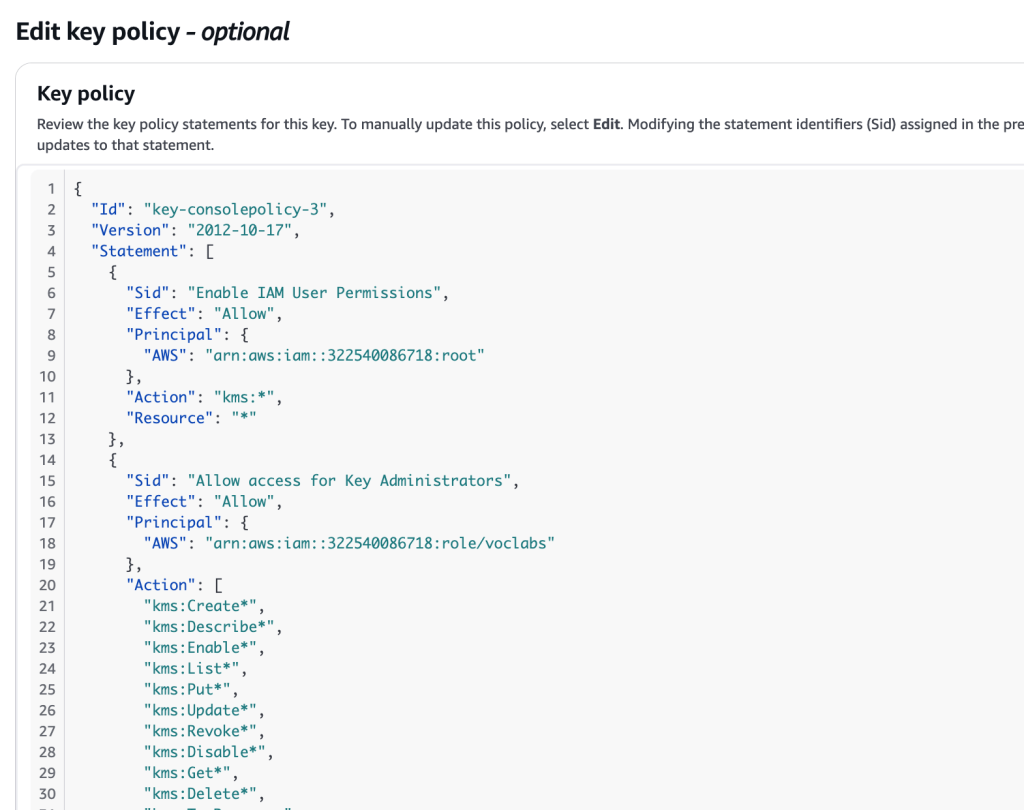
I create a label, select an appropriate IAM role (for managing the key via the KMS API), key users (IAM users and roles) allowed to use this key in cryptopgraphic operations, and preview the key policy:
I now have access to the Amazon Resource Name (ARN): arn:aws:kms:us-west-2:322540086718:key/4bcb9ff2-a2f3-43de-b813-6aa3c9918209
This completes the creation of a symmetric AWS KMS key, giving ownership of that key to thte IAM role that I indicated earlier.
Configure FS instance
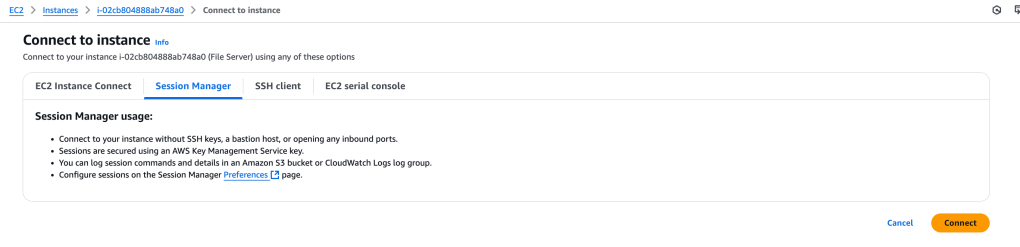
In order to use the newly-created KMS key, AWS credentials will need to be configured on the File Server EC2 instance. Let’s connect to the instance using Session Manager:
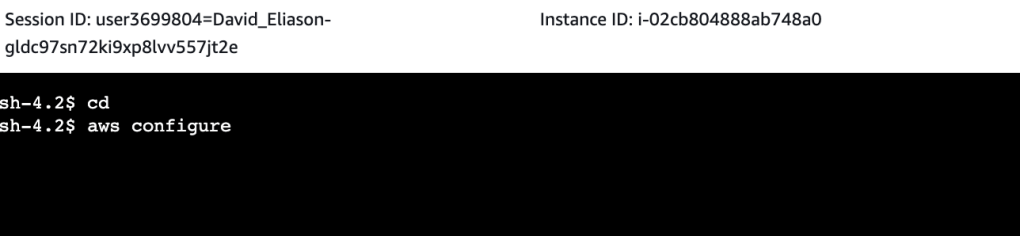
Now that we are logged in, let’s configure the instance:
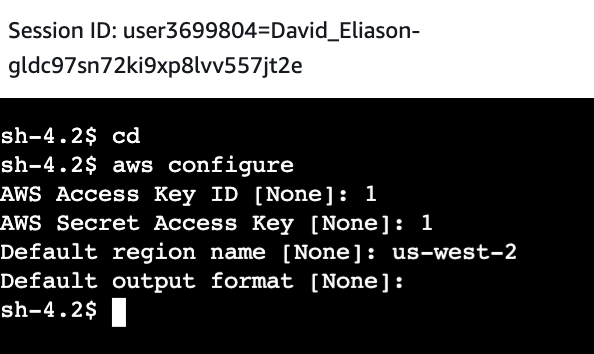
Prompts are given for configuring: AWS Access Key ID, AWS Secret Access Key, default region name, and default output format:
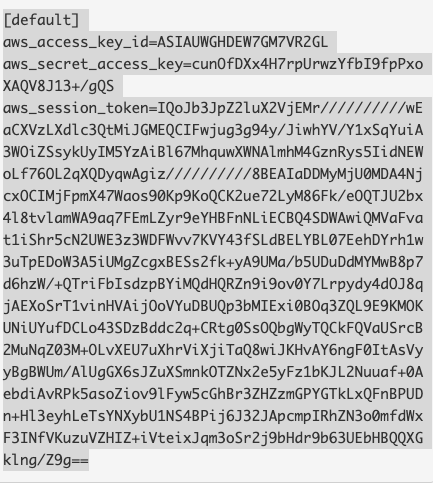
The values for aws_access_key_id, aws_secret_access_key, and aws_session_token are pasted into ~/.aws/credentials file
To install the AWS Encryption CLI and set the path:
pip3 install aws-encryption-sdk-cli
export PATH=$PATH:/home/ssm-user/.local/bin
At this point, we have created the AWS credentials file, which provides the ability to use the newly-created KMS key. The AWS Encryption CLI was then installed, allowing the running of encryption commands.
 davethemaker