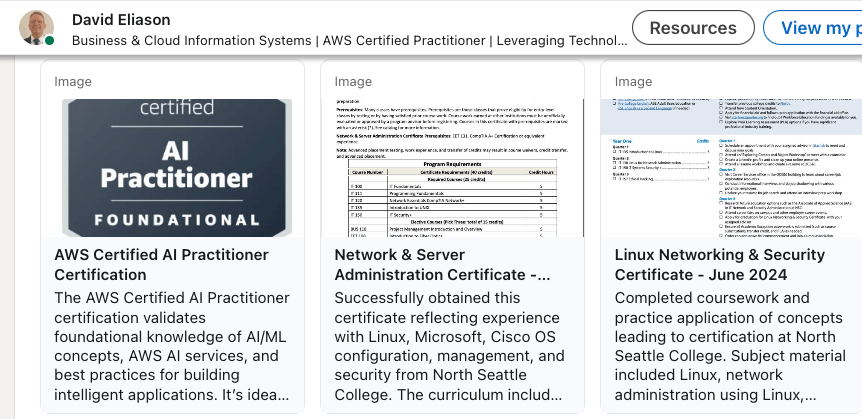
Last week, I successfully obtained the AWS AI Practitioner certification- wooohoo!
Preparing for that exam helped me to better understand this new arena of technology. In this post, I’m going to pivot to getting hands-on experience with Bedrock and a variety of other tools. Let’s jump to it!
First, in Amazon Bedrock, I needed to enable Foundation Models, and I selected a handful which were recommended. Those included:
Amazon (select all models)
Titan Embeddings G1 - Text
Titan Text G1 - Lite
Titan Text G1 - Express
Titan Image Generator G1 v2
Titan Image Generator G1
Titan Multimodal Embeddings G1
Titan Text Embeddings V2
Anthropic
Claude 3 Sonnet
Claude 3 Haiku
Stability AI
SDXL 1.0
Mistral AI
Mistral 7B Instruct
Meta
Llama 3 8B
Llama 3 70B
Within Sagemaker AI, there are a variety of Applications and IDE’s: Studio, Canvas, RStudio, TensorBoard, Profiler, and Notebooks. That is one option, but the other (and the one I’m going to take) is to create Domain. A Domain is an environment to access SageMaker resources; it’s a central place for organizing. I create a domain:

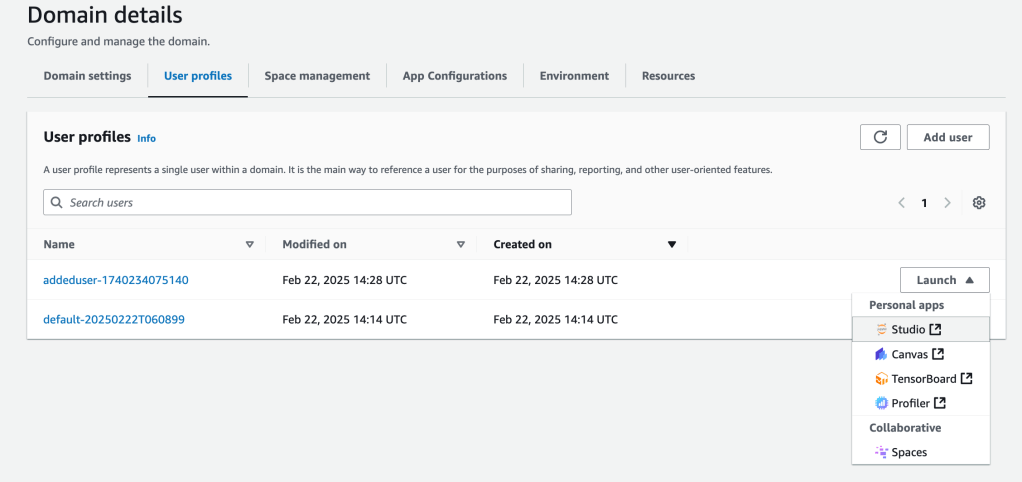
The setup takes a few minutes to provision. Once the domain is setup, there is a default user which has robust IAM permissions. I created a second user, who will be able to actually launch one of those aforementioned IDE/apps, like Studio; there will be lots of users, potentially, so you have to control permissions and access.
I create the User Profile: name, permissions, tags. Next is the option to configure applicaitons, like Studio or JupyterLab
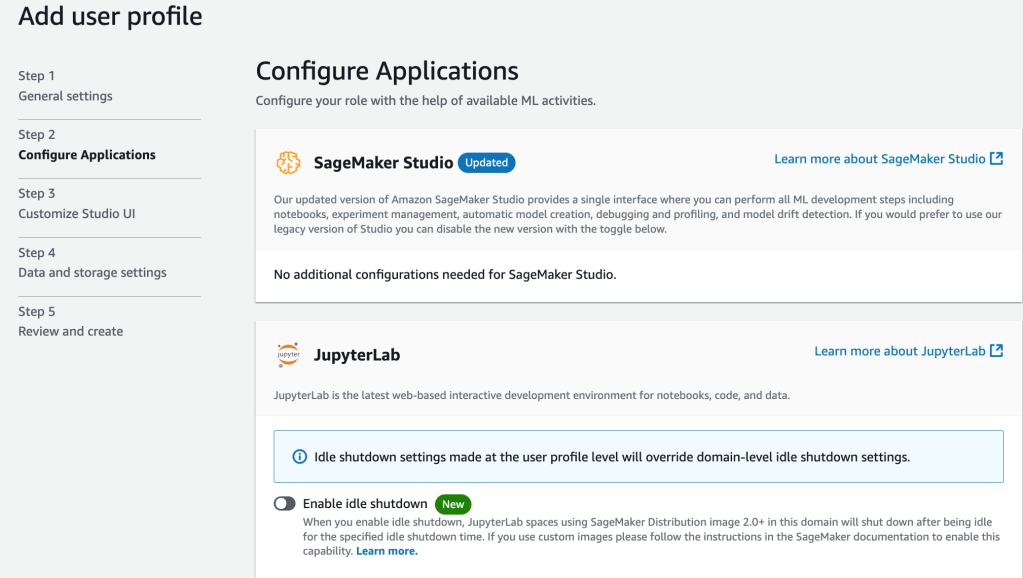

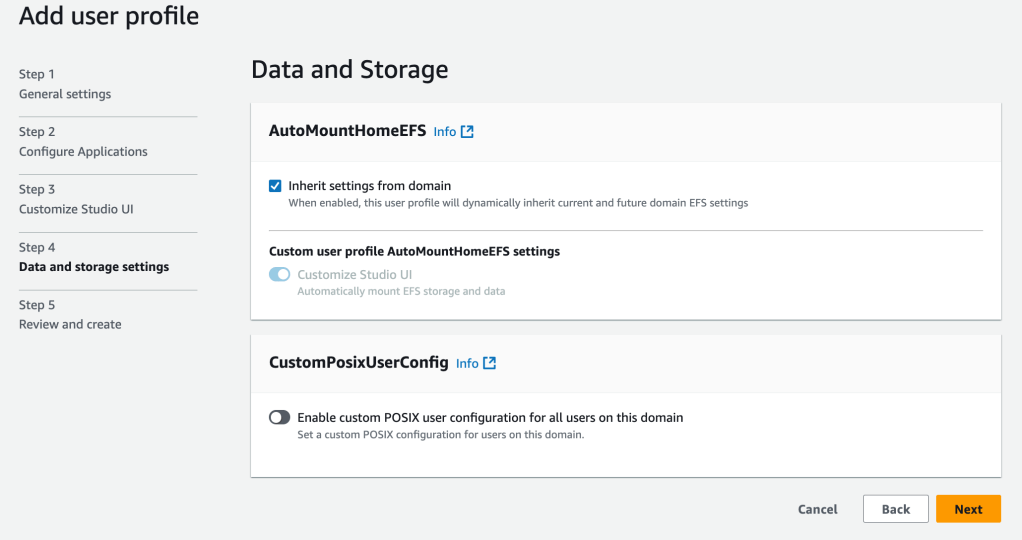
Finally, review and create. There are now two users, and there is an option to Launch new to each user. I select the non-default user, just created, and launch Studio:
A good Sagemaker overview video can be found here
One interesting that I noted is that within Sagemaker, you can access Jupyter notebooks and run SQL queries via connections to different sources, including Athena, Snowflake, DataZone.


 davethemaker