
I’m working hard to learn AWS services really well, and part of that journey has included becoming proficient with various automation tools and processes. For example, creating Python scripts, Bash scripts, or Terraform files to create that type of automation process that would ensure timely remediation and error-free implementations. In this post, I’m going to explore CloudFormation- AWS answer to Infrastructure as Code.
Similar to Terraform script files, a CloudFormation (CF, going forward) file uses parameters to build out resources, with outputs that can be used. Typically, either JSON or YAML are the formats used for these kinds of configuration files, and in this example, I have been working with a YAML formatted file. One advantage of YAML is that it is easier to read the script, as it does not use the curly braces that is typical of JSON- YAML uses space indendation, instead. CF files can use either format, JSON or YAML, but in this example, I’ll be using YAML.
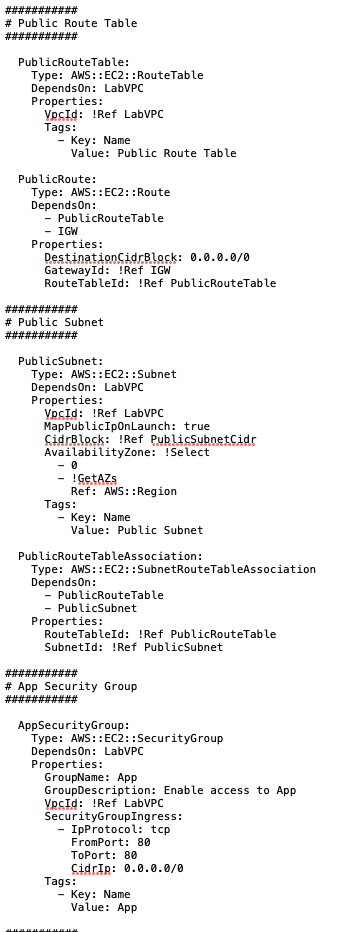
For my configuration file, I’ll be building out a VPC with Internet Gateway, a public subnet and public route table, and a security group. In my terraform file, I would have created separate files for each of these, as part of a modularization approach. In this case, however, a single YAML file will suffice to understand the concepts.
This is a snippet of that script – you can see how it differs from the JSON files I have built in the past
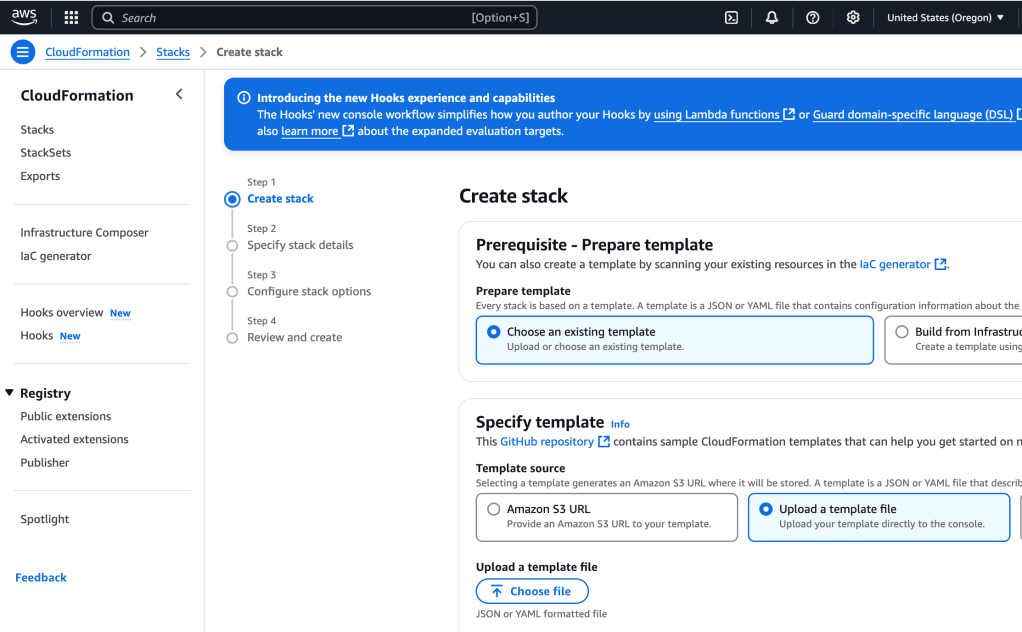
I upload this YAML template by going to CloudFormation > Create Stack > Upload a template file, and upload the template file:
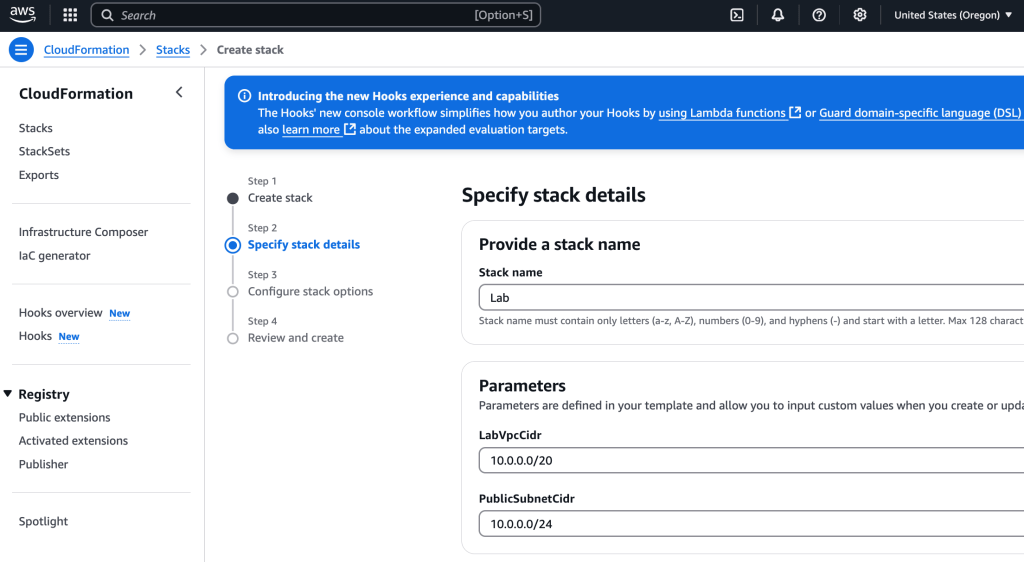
I provide a name for the stack and give parameter values as requested for CIDR range (VPC) and public subnet. Typically, working with Terraform (TF, going forward), I add those as a variable which is passed in to the main file, though the option to ask user input is there, too:
I click through, review the config details, and give approval by selecting the ‘Create Stack’ button at the end- the stack then gets provisioned. Once it’s all done, I can see what resources have been created (the ones described in the YAML file) by clicking the Resources tab within the stack: it shows that the security group, VPC, route table, etc have been created. Great! Now I can move to the next part, which is to add additional storage- an S3 bucket.
Adding an S3 bucket to the CF template
We were able to build out some core AWS infrastructure using the CF template, but what if we want to make edits, perhaps add another resource? That’s something that I will do now, by adding an S3 bucket. For just default config, only two lines are needed:
MyS3Bucket:
    Type: AWS::S3::Bucket
Then, I replace the orginal template with the updated template- being careful about spacing within the template when adding the code.

Adding EC2 instance
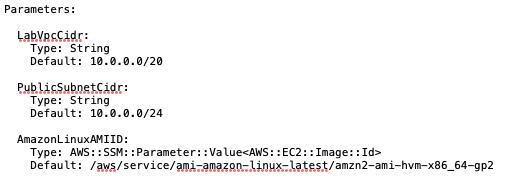
Adding an ec2 instance to the YAML file, within the Resources section, is pretty straightforward, too. It is more complex, however, since there is an AMI involved, subnet association, and security group. Let’s start with the AMI. We can retrieve the latest AMI using the AWS Systems Manager Parameter Store, a useful approach indeed! I add the following to the Parameters section of the template:
AmazonLinuxAMIID:
    Type: AWS::SSM::Parameter::Value<AWS::EC2::Image::Id>
    Default: /aws/service/ami-amazon-linux-latest/amzn2-ami-hvm-x86_64-gp2
So the whole Parameters section, at this point, looks like this:
Great! Now we can reference that within the code for the EC2:

And then, like before, I update the stack using the modified stack template:

On the EC2 page, I can see the new instance- nice!

Tear Down
It’s good practice to destroy all the resources once you are done with them, and since this was a learning experience only, it’s time to destroy the resources. So let’s do that.
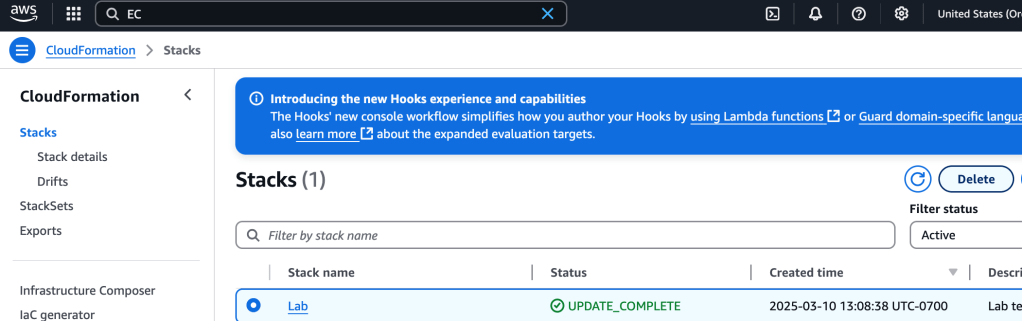
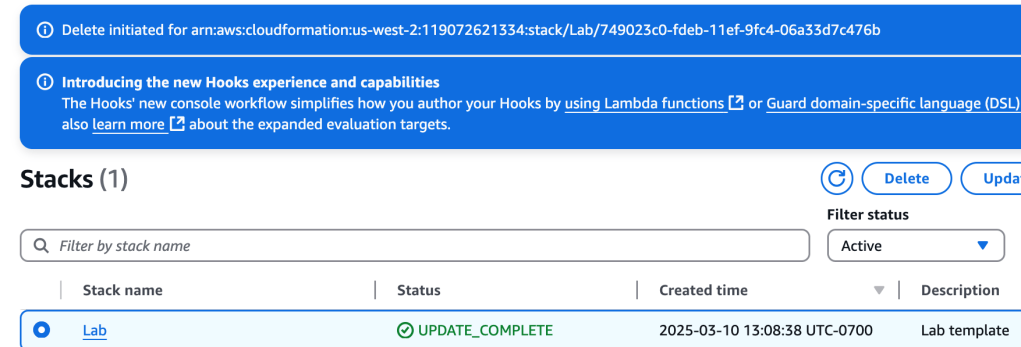
And the stack is deleted.
Conclusion
In this exercise, a VPC, public subnet, public route table, security group, EC2 instance, and S3 bucket were created. We modified the YAML template, and ascertained via the Console that the resources has indeed been created. At the conclusion, we destroyed all the resources. This demonstrated the power of using automation and Infrastructure as Code to deploy resources, and CloudFormation is certainly a powerful tool to do so.
 davethemaker