I’m shifting to (re)learning the development side of things, so will be getting myself back up to speed with the current tools being used. React had just come out when I first did my career shift into tech, so I’m glad to see that is still popular. Other things I’ll be getting myself up to speed with, and writing about here, will be Vite (frontend dev), Azure Static Web Applications, and Azure SQL server (to attach to the Azure SWA). Let’s start with Vite.
Vite uses Rollup as a fast bundler, for production. It uses esbuild for really fast bundling and code transformation during development. What is a bundler? Function: Bundlers take numerous JavaScript files, CSS, images, and other assets and combine them into a smaller number of files that the browser can load more efficiently. Webpack is another bundler. Benefits: This process reduces the number of HTTP requests needed to load a page, leading to significantly faster load times and a better user experience.
Key features: They perform dependency resolution, module loading, and optimizations like tree shaking (removing unused code) and code splitting (breaking the code into smaller chunks that load on demand).
These are all things that Vite provides in getting the code and assets of a web app ready for production.
Vite supports features like:
- TypeScript and JSX/TSX out of the box.
- CSS Modules and PostCSS for style processing.
- Environment Variables (via
.envfiles). - Static Asset Handling (e.g., images, fonts).
- ESLint, Prettier, and other linters or formatters.
I write these blog posts as a type of reference for myself, too, so sorry if I’m including a lot of details! 🙂
Vite also works well with React as a plugin. In short, Vite makes web development faster and more efficient by taking advantage of modern JavaScript features, fast build tools, and an intelligent approach to handling dependencies and code transformation.
Test Vite project:
npm create vite@latest
This starts a series of prompts like this:

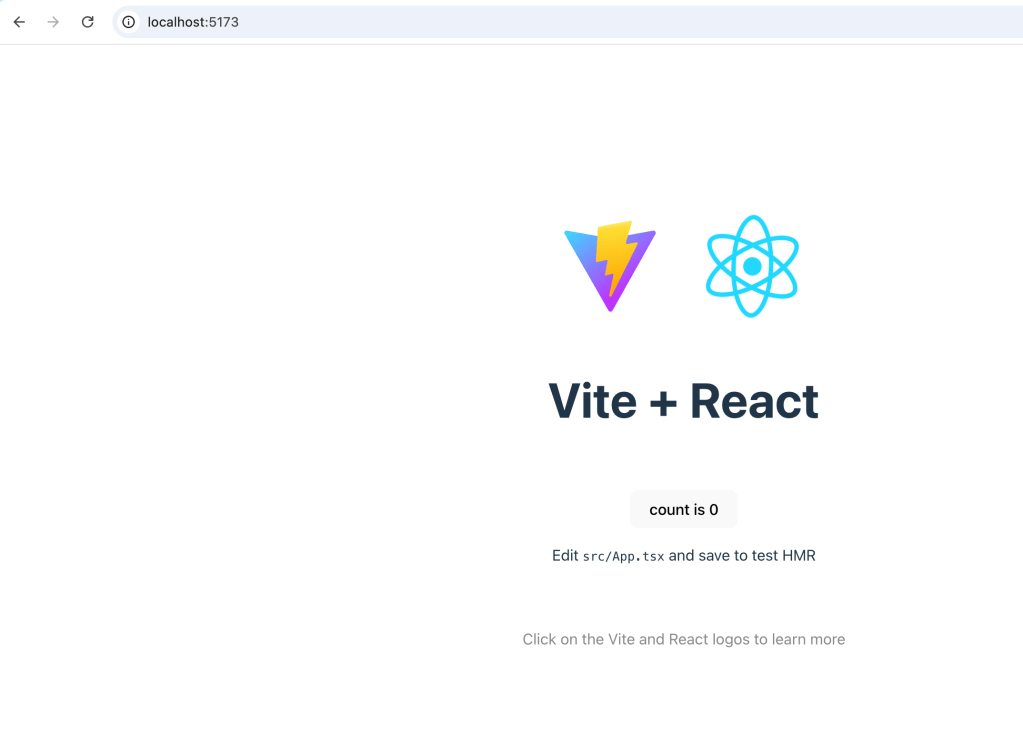
The first time I ran this, I got errors because my machine had run out of memory 😦 So I had to go through the painful process of uninstalling programs- painful only in terms of deciding what had to go! With memory available, the process ran smoothly:

I cd into the project folder and ls the contents:

Then install the dependencies with $ sudo npm install
Time to test with $sudo npm run dev, using port 5174
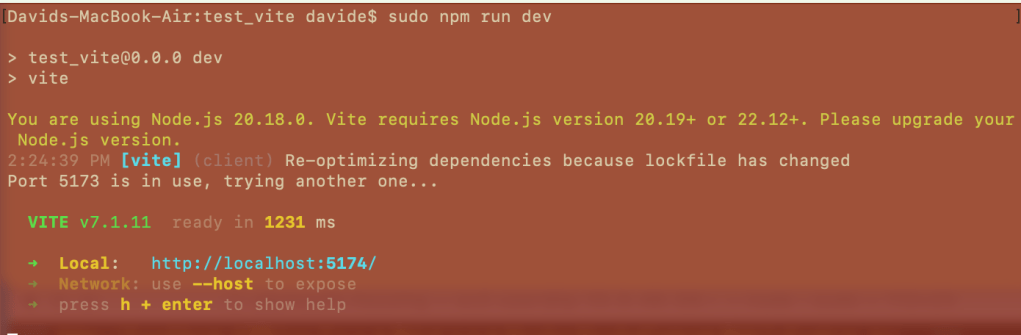
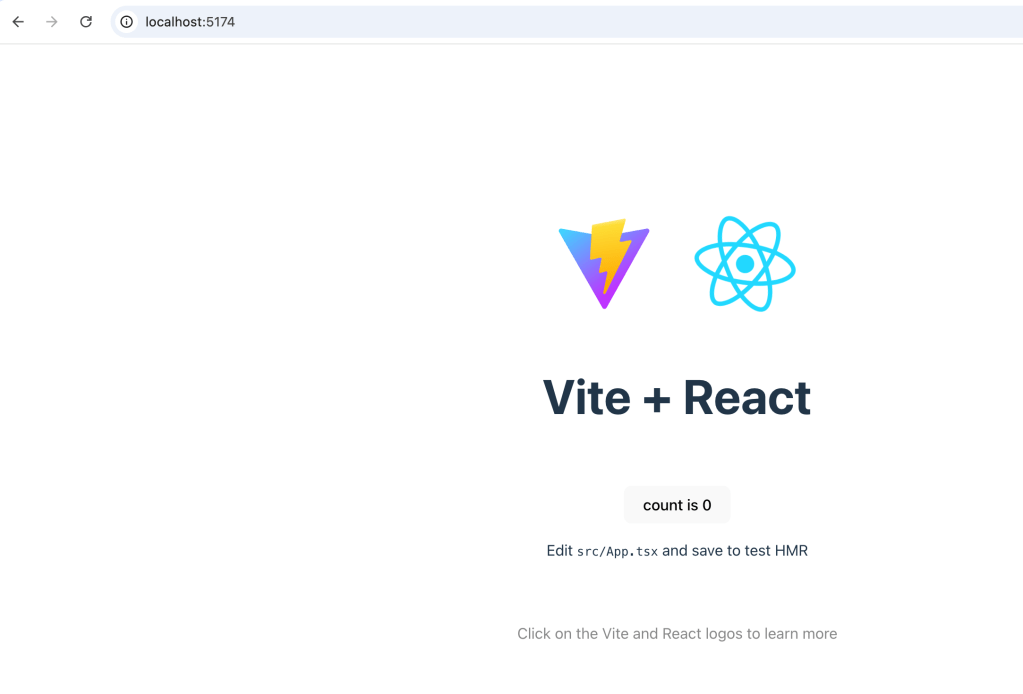
Next, changed App.tsx file permissions, added text more fun to read and voila!

Within the project’s folders, specifically ‘src’ folder, are the assets. Literally, the ‘assets’ folder as well as App.css and the all-important App.tsx, main.tsx files.
The main.tsx file is this:
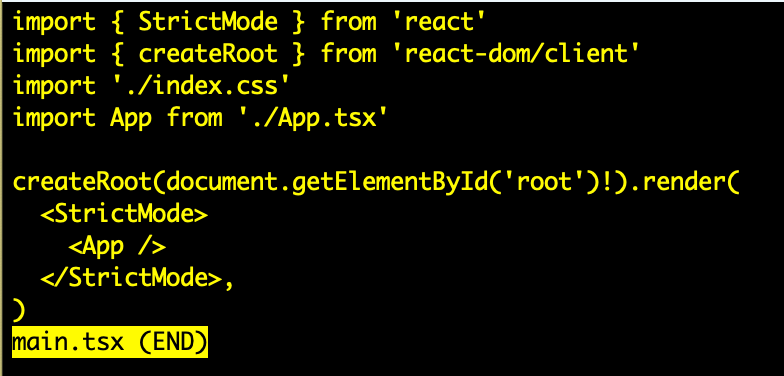
Whereas App.tsx is the meat of the app:
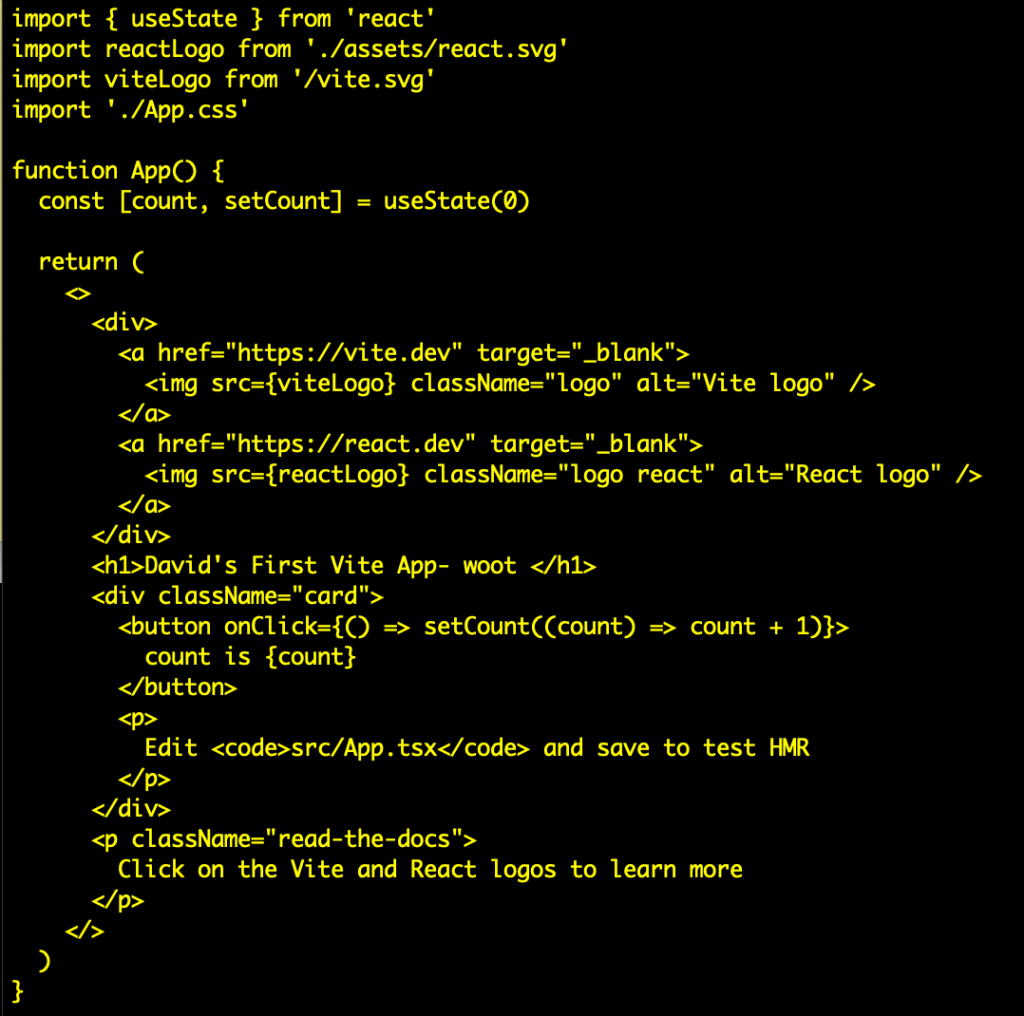
This seems like a great time to shift to React.js so that will be next (that code can be plugged into these sample files to test/dev)
 davethemaker