We can access the meta data of an instance using IMDS v1, which doesn’t require a token, or IMDS v2, which is much more secure, and which also requires more work including generating a token.
I created a Linux EC2 instance and connected via shell. Here’s all I had to run to get the instance data using IMDS v1:
curl http://169.254.169.254/latest/meta-data/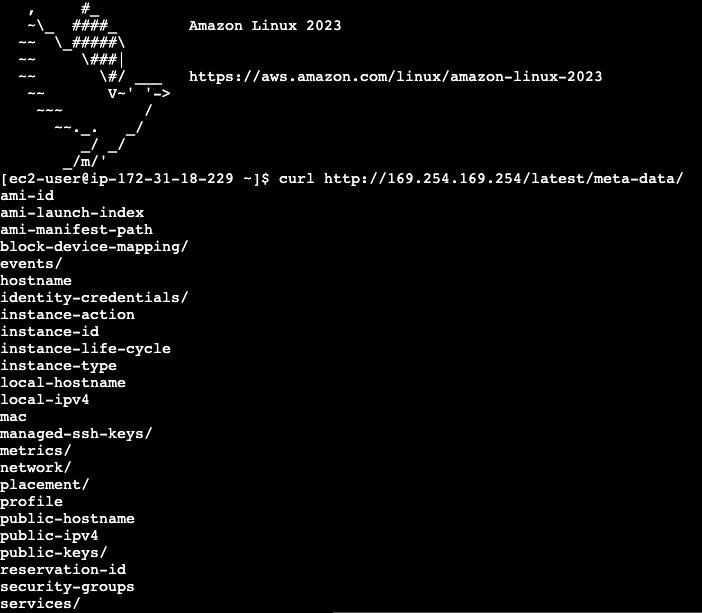
These values, incidentally, can be useful when using IaC tools like Terraform to populate the instance values dynamically as part of the script.
Now, let’s take a look at IMDS v2, see AWS docs here:
TOKEN=`curl -X PUT "http://169.254.169.254/latest/api/token" -H "X-aws-ec2-metadata-token-ttl-seconds: 21600"`

and then....

curl -H "X-aws-ec2-metadata-token: $TOKEN" http://169.254.169.254/latest/meta-data/
So we can access to the same underlying instance values.
I can look within identity-credentials/ec2/security-credentials to see if I have a token, this means the instance has an IAM role attached to it.

This is how the EC2 gains permissions, it’s through the meta data, via the IAM role.
 davethemaker