With Route 53, you have different records: A, AAAA, CNAME, and more. These can point to AWS resources- for example, CNAME and Alias can point to resources in different ways. I want to explore creating several EC2 instances, and Application Load Balancer (ALB), and then pointing that ALB to a domain name.
First I create an EC2, Amazon Linux 2023 AMI, t3 micro, no key pair, SG to allow SSH and HTTP, with user data script to spin up apache server with simple text. I created that in N. Virginia region. Server1
Then I created a similar EC2 instance in Us-west-2 region.
Next, I create a Load Balancer in us-west-2 region, called MyALBforTwoServers, Internet Facing, on IPv4 for IP address type for the LB, I select all four AZs, attach the same SG (ssh, http). For listener, http:80 and route forward to target group which I create next:
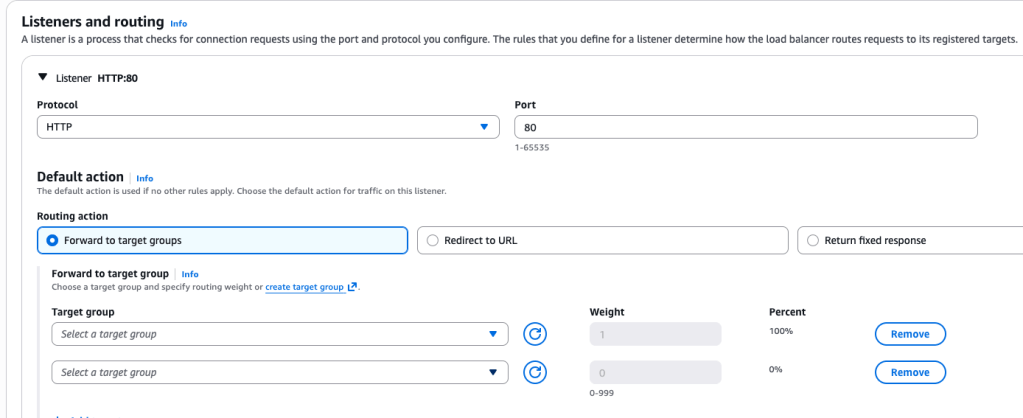
Actually, above I selected Create Target Group.
Target type: instances. Target group name: tg-route-53. Next I register the server instance I had created:
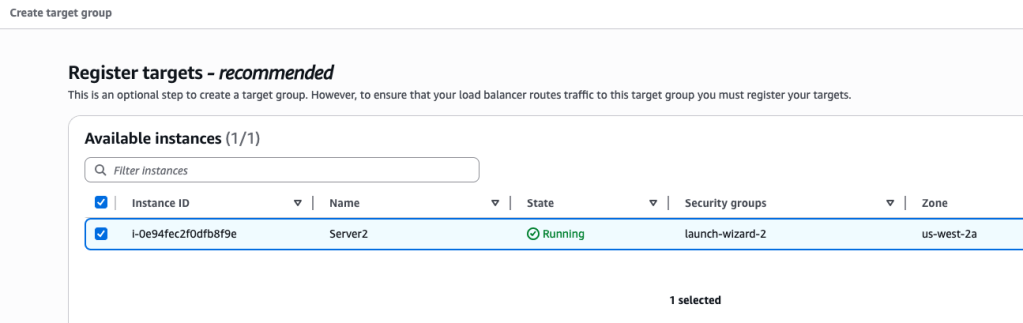
And then I selected Create and the target group was created. I now can use that for the ALB setup as seen below
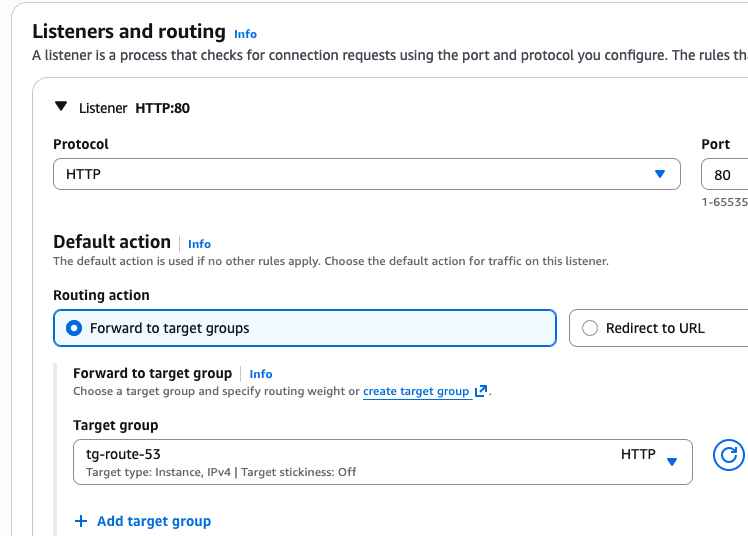
And the ALB was complete.
The ALB can only point to the EC2 instances within the region that it is located. That’s why only the server I had created in us-west-2 populated the option dropdown when creating the target group, and not the one in N. Virginia.
Now I grab the public IPv4 address of the server and paste it into the browser:
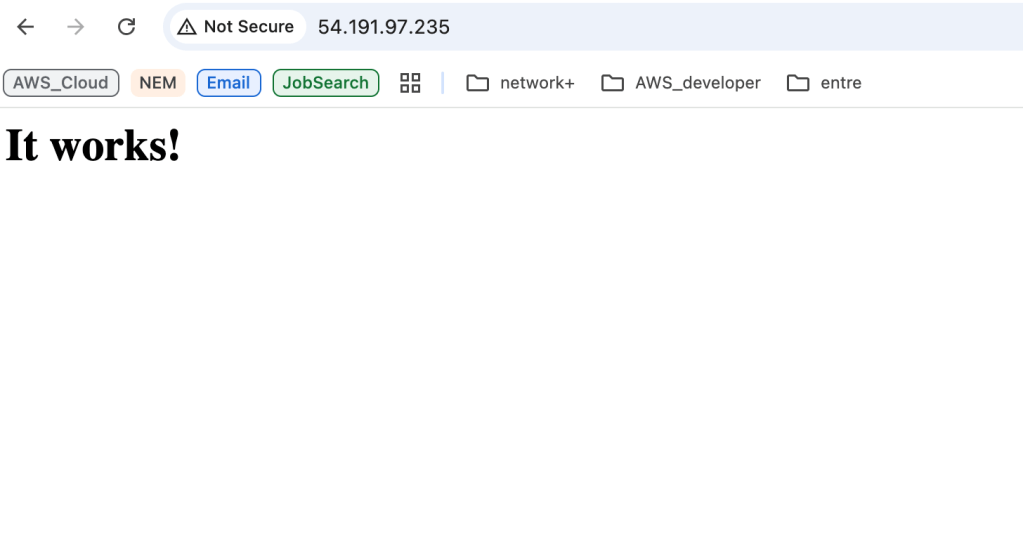
Now to get the DNS for the ALB and paste it in:
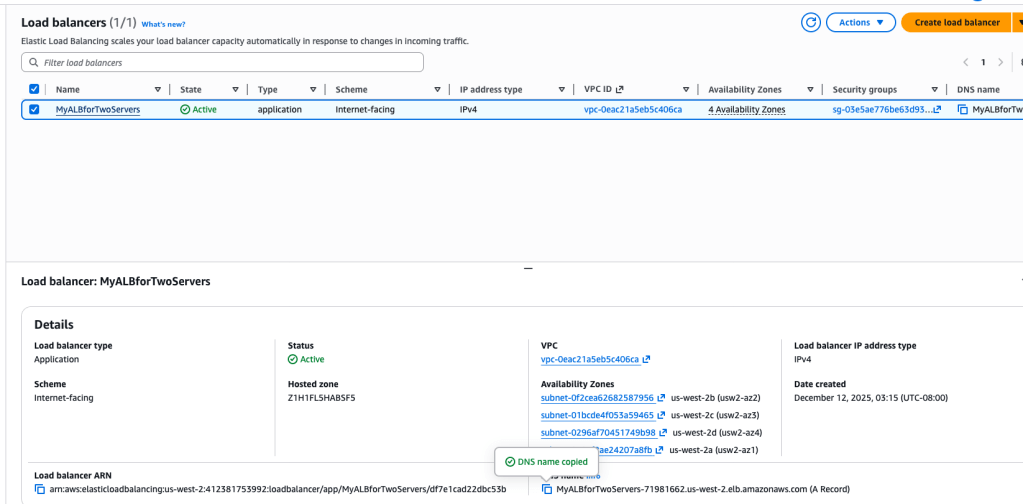
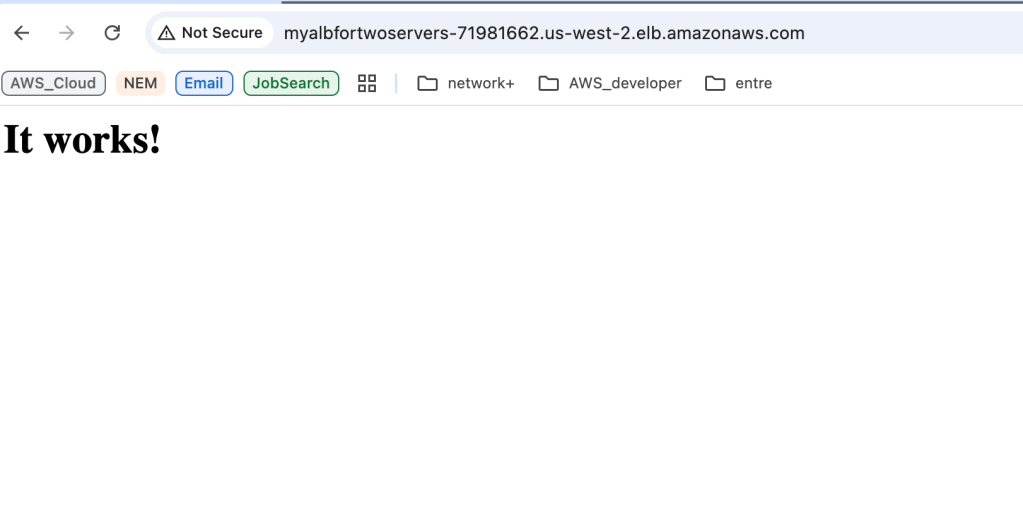
The ALB was pointing to that same EC2 server- we had manually copied and pasted the ALB DNS name, but we can create a DNS record to do that more cleanly.
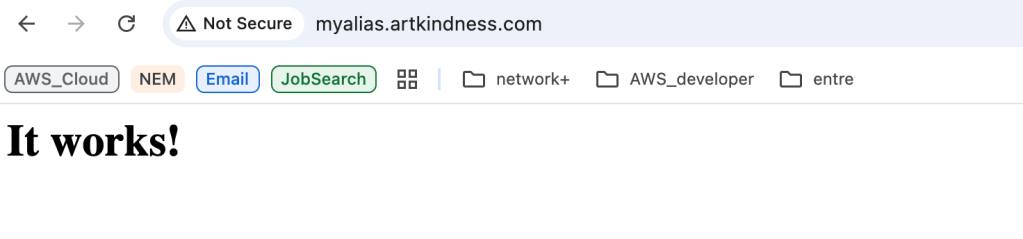
So head over to Route 53, hosted zones, the domain, and create record. We are going to use the Alias option and select Alias to Application and CLB. I select the region and LB
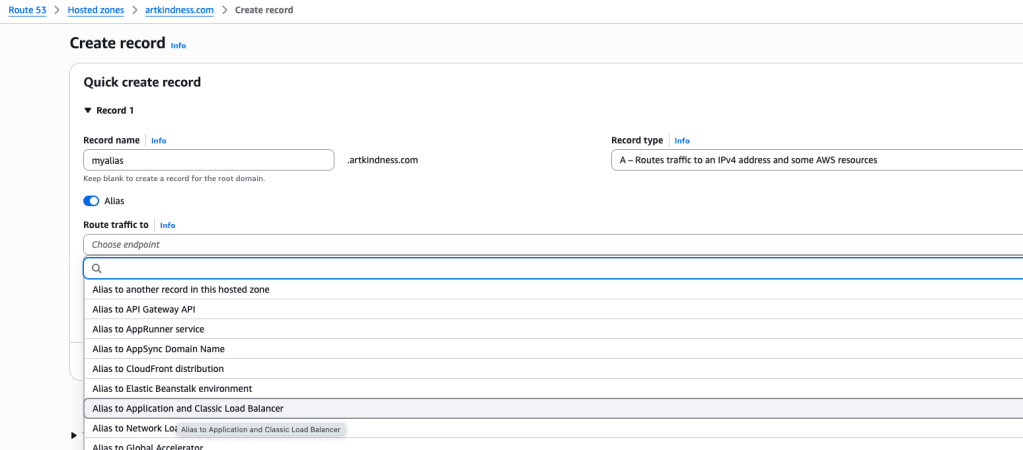
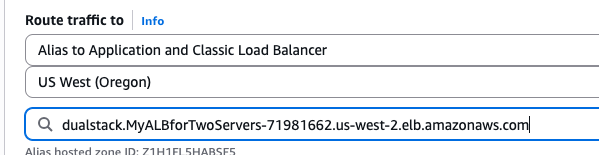
And tested okay too
 davethemaker